Introduction
In Minecraft, Spectator Mode is one of the most powerful yet underutilized features available to players. Unlike Survival or Creative modes, Spectator Mode removes all physical interaction and transforms you into a free-moving observer capable of passing through blocks, analyzing terrain, and viewing gameplay from any perspective.
While many beginners use Spectator Mode simply for exploration, experienced players rely on it for advanced tasks such as locating structures, debugging mob farms, analyzing terrain generation, and moderating multiplayer servers.
This guide goes beyond the basics and explains how to use Spectator Mode strategically, including advanced techniques that improve efficiency, planning, and gameplay analysis.
What is Minecraft Spectator Mode?
Spectator Mode is a non-interactive game mode that allows players to freely move through the world without being affected by blocks, mobs, or environmental hazards.
When activated:
-
You cannot place or break blocks
-
You cannot take damage
-
You are invisible to mobs and players
-
You can pass through all objects, including bedrock
This makes it fundamentally different from all other modes. It is designed for observation, not participation.
Key Features of Spectator Mode
Spectator Mode includes several mechanics that make it uniquely useful:
No-Clip Movement
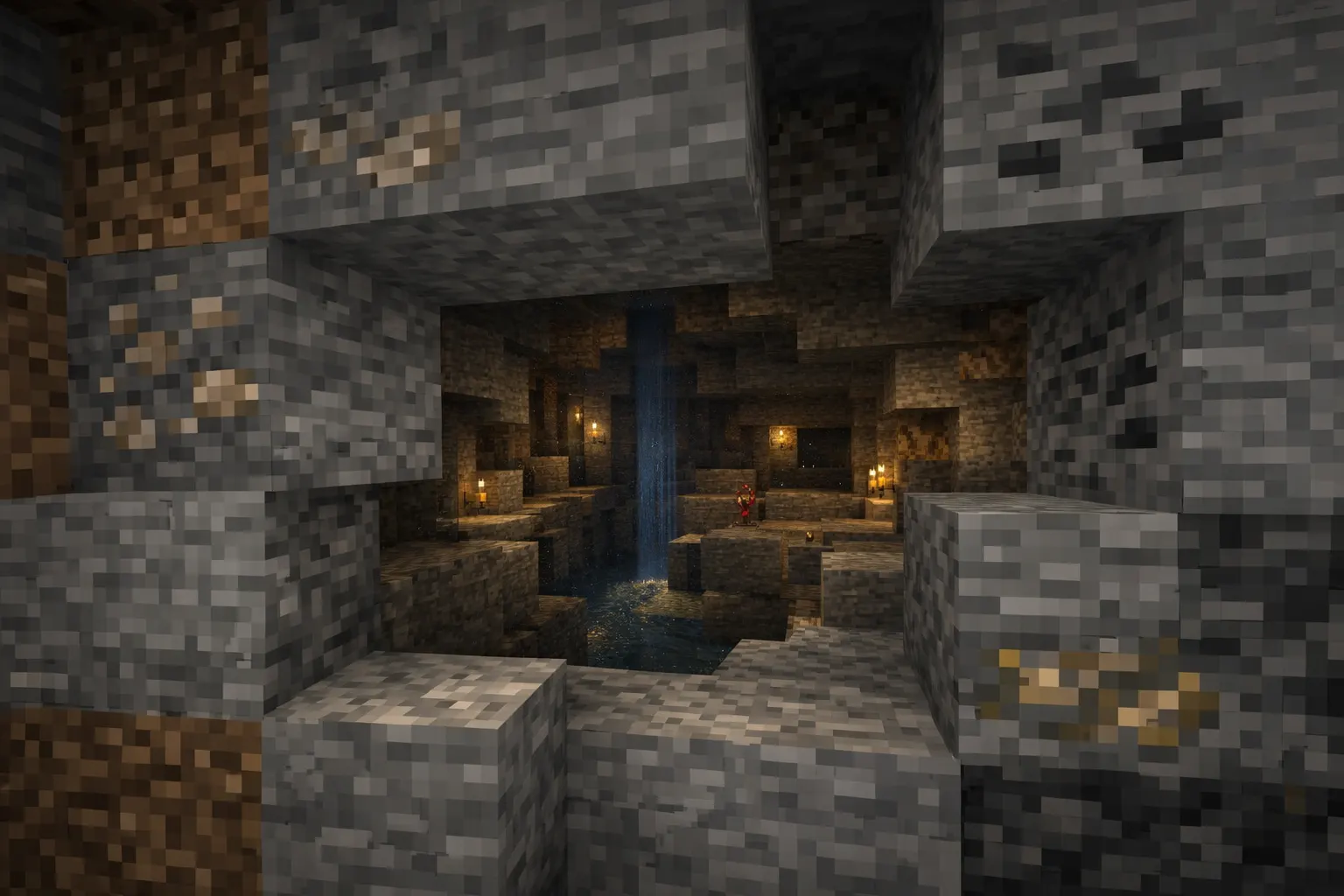
You can move through any block in the game, including underground layers, structures, and terrain. This allows instant exploration without tools.
Free Flight with Adjustable Speed
Movement is not limited like Creative Mode. You can adjust your speed dynamically using the scroll wheel, allowing both fast traversal and precise positioning.
Player Perspective Viewing
You can enter another player's perspective by interacting with them. This is widely used in multiplayer environments for monitoring gameplay.
Complete Invisibility
Mobs do not detect you, and players cannot see you unless they are also in Spectator Mode.
Environmental Immunity
Lava, void damage, fall damage, and suffocation have no effect.
How to Enable Spectator Mode in Minecraft
Using Commands
The most direct method is through commands:
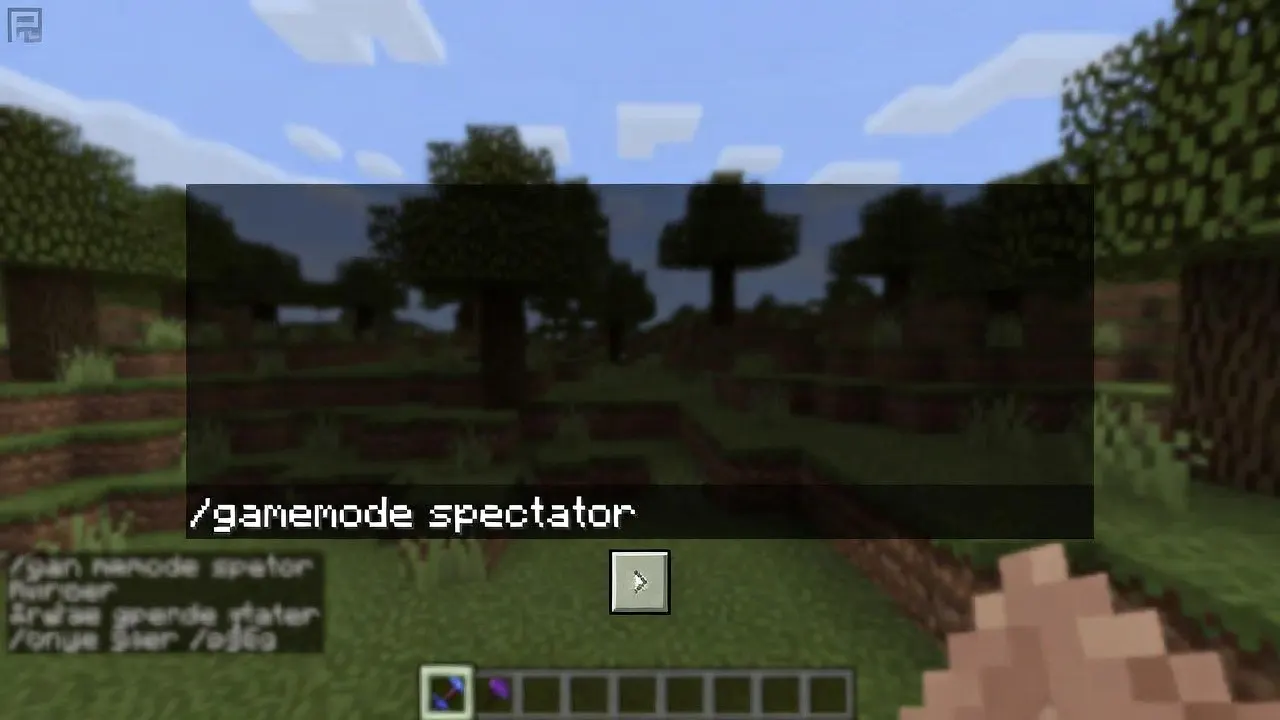
Requirements:
-
Cheats must be enabled
-
You must have operator permissions in multiplayer
To exit Spectator Mode:
Switching from Creative Mode
In Creative Mode, switching is seamless using the same command. Some versions allow quick toggling using hotkeys or the debug screen.
Multiplayer Server Permissions
On servers, Spectator Mode is typically restricted to:
-
Server administrators
-
Moderators
-
Authorized roles via permission plugins
It is commonly used for monitoring player behavior and preventing cheating.
Controls and Movement Mechanics
Basic Controls
-
WASD: Movement
-
Space: Move upward
-
Shift: Move downward
-
Mouse: Look around
Advanced Movement Control
Speed Adjustment
Scrolling the mouse wheel changes the movement speed. This is critical for:
-
Fast terrain scanning
-
Precise positioning inside structures
Momentum Control
Unlike Creative Mode, Spectator Mode allows smoother acceleration, which is useful when recording cinematic footage.
Camera Positioning
You can position yourself inside blocks to get cross-sectional views of structures, caves, or Redstone systems.
Advanced Uses of Spectator Mode
This is where Spectator Mode becomes truly valuable.
1. Locating Structures Efficiently
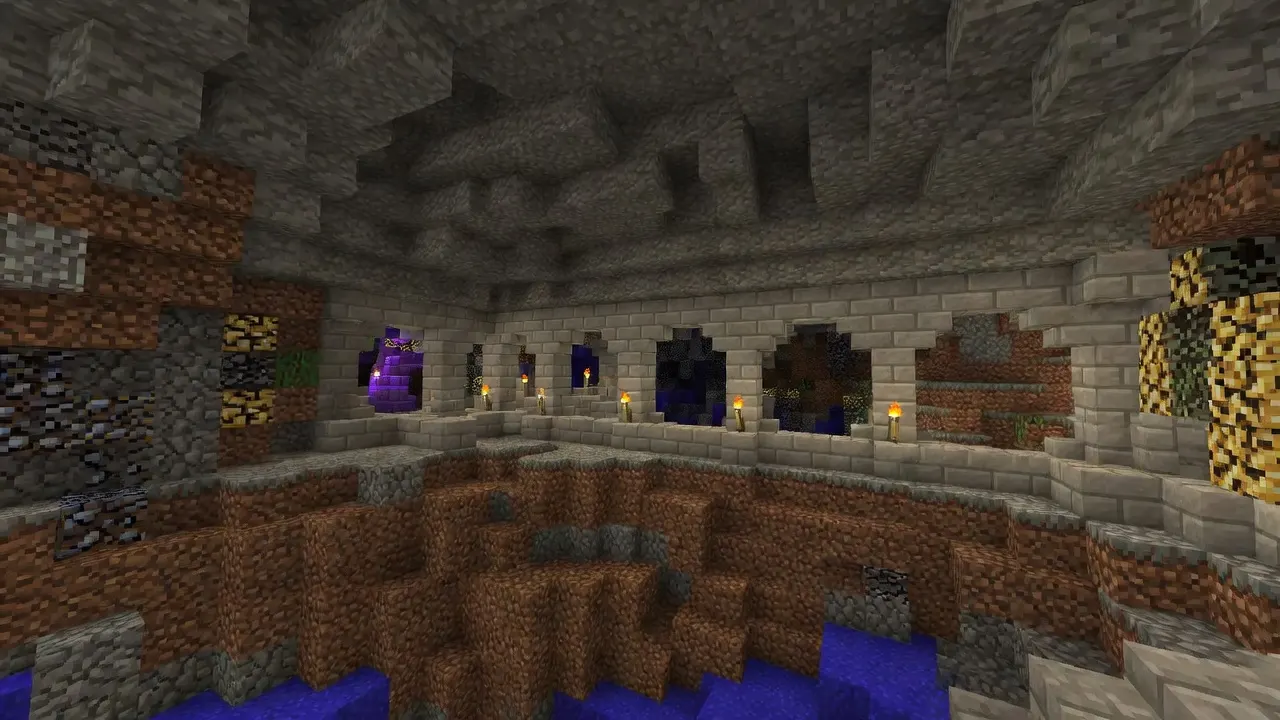
Instead of exploring randomly, you can scan underground areas to locate:
-
Strongholds
-
Mineshafts
-
Dungeons
-
Ancient Cities
Advanced players use Spectator Mode to:
-
Identify structure spawn patterns
-
Plan optimal routes before switching back to Survival
GAMQO Tip: Structure Scanning Strategy Used by Advanced Players
When using Spectator Mode to locate structures, don’t move randomly through terrain. Experienced players use a layer-by-layer scanning method at consistent Y-level intervals. This helps identify structure-generated chunks more efficiently.
Focus on:
-
Large open cave systems first, as structures often intersect with them
-
Chunk boundaries where structures are more likely to generate
-
Distinct block patterns (e.g., stone bricks of strongholds stand out clearly in underground stone layers)
Additionally, combine Spectator Mode with a mental grid approach by scanning horizontally across regions before moving vertically. This significantly reduces search time and enables faster identification of structures such as strongholds or mineshafts than blind exploration.
2. Debugging Mob Farms
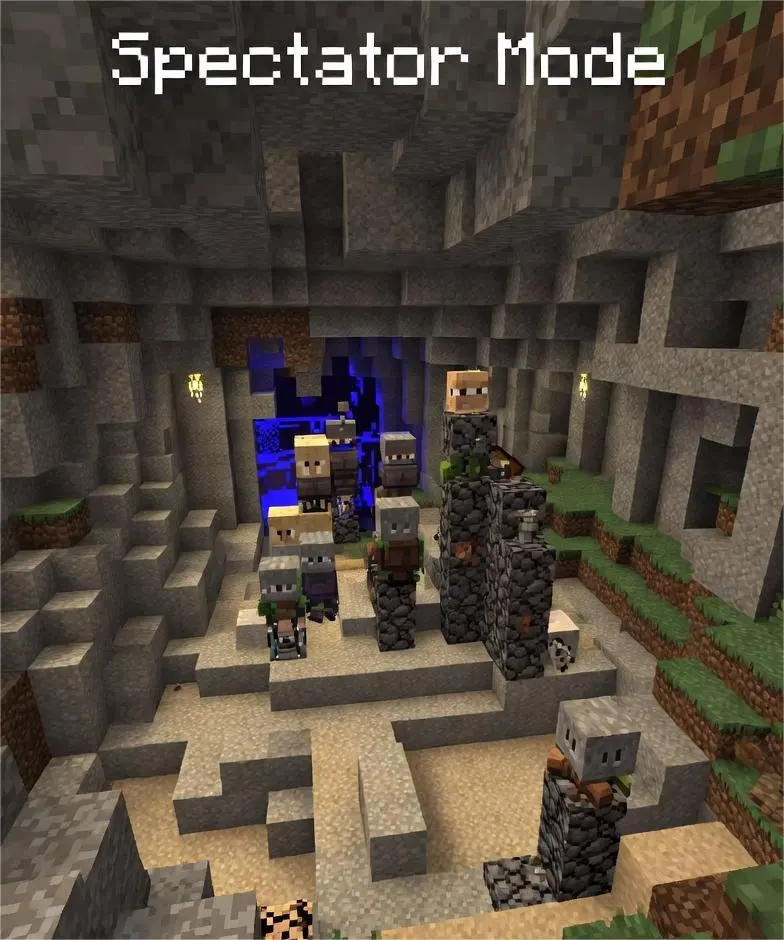
Spectator Mode is essential for diagnosing mob farm issues.
You can:
-
Check spawnable spaces in caves
-
Identify light level problems
-
Detect mob accumulation points
Example:
If a mob farm is underperforming, entering Spectator Mode reveals hidden caves where mobs are spawning instead of the farm.
3. Redstone System Analysis
Complex Redstone builds often fail due to hidden errors.
Using Spectator Mode, you can:
-
View wiring inside walls
-
Track signal flow
-
Identify timing issues
This is especially useful in large automated systems.
4. Multiplayer Server Moderation
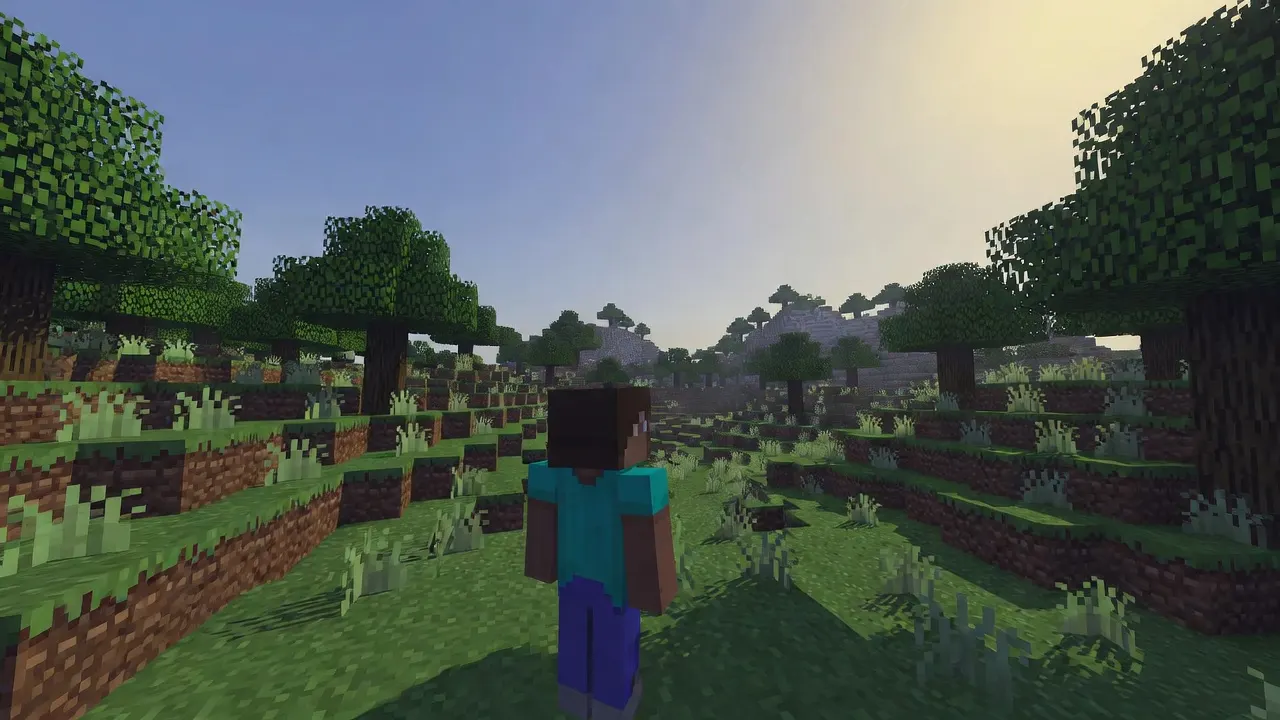
Server administrators rely heavily on Spectator Mode.
Use cases include:
-
Detecting X-ray cheating
-
Monitoring suspicious player activity
-
Observing PvP matches without interference
Because players cannot see spectators, this approach provides a fair, undetectable way to monitor behavior.
5. Cinematic Content Creation
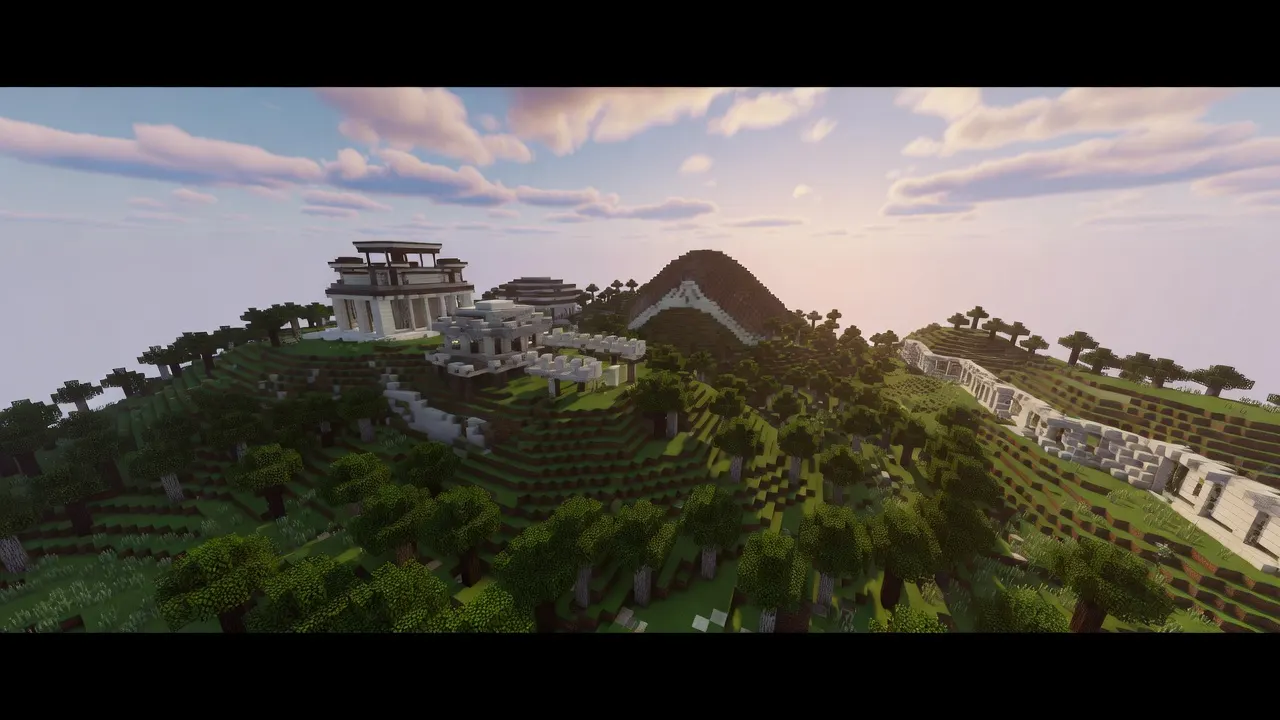
Content creators use Spectator Mode to:
-
Capture smooth camera movements
-
Record gameplay from dynamic angles
-
Create storytelling sequences
Combining slow speed control with free movement allows professional-level footage.
6. Terrain and Base Planning
Before building large projects, Spectator Mode helps:
-
Analyze terrain elevation
-
Identify ideal base locations
-
Plan large-scale builds
This reduces resource waste and improves design efficiency.
Spectator Mode vs Other Game Modes
Survival vs Spectator
Feature |
Survival |
Spectator |
|---|---|---|
| Interaction | Yes | No |
| Damage | Yes | No |
| Visibility | Visible | Invisible |
| Exploration | Limited | Unlimited |
Creative vs Spectator
Feature |
Creative |
Spectator |
|---|---|---|
| Block Interaction | Yes | No |
| Flight | Yes | Yes |
| No-Clip | Limited | Full |
| Use Case | Building | Observing |
Creative Mode is for creation, while Spectator Mode is for analysis.
Java vs Bedrock Differences
Spectator Mode behaves differently depending on the edition.
Java Edition
-
Full Spectator functionality
-
Smooth player perspective switching
-
Advanced debugging capabilities
Bedrock Edition
-
Limited or experimental features
-
Fewer controls and restrictions
-
Less commonly used for advanced gameplay
For advanced use cases, Java Edition is significantly more powerful.
Advanced Tips and Tricks
Use Chunk Borders for Structure Hunting
In Java Edition, combining Spectator Mode with chunk boundaries helps identify structure generation patterns.
Identify Hidden Caves Quickly
Move underground at medium speed and scan for large dark areas. These usually indicate cave systems affecting mob spawning.
Combine with Night Vision
Using Night Vision effects improves visibility underground, making it easier to locate structures and mobs.
Analyze Spawn Mechanics
Spectator Mode allows you to:
-
Observe mob spawning in real time
-
Identify spawn-proofing gaps
-
Improve farm efficiency
Use for Hardcore World Planning
In Hardcore mode, players often:
-
Duplicate the world
-
Use Spectator Mode in the copy
-
Plan strategies without risk
Limitations of Spectator Mode
Despite its advantages, Spectator Mode has clear limitations:
-
No interaction with the environment
-
Cannot collect resources
-
Not usable for progression
-
Restricted in many multiplayer servers
It is a support tool, not a gameplay mode.
Common Issues and Fixes
Command Not Working
-
Ensure cheats are enabled
-
Verify correct syntax
Cannot Switch Modes in Multiplayer
-
Check server permissions
-
Contact the server administrator
Movement Feels Too Fast
-
Adjust speed using the scroll wheel
Cannot See Clearly Underground
-
Use Night Vision for better visibility
Conclusion
Spectator Mode in Minecraft is far more than a passive viewing feature. When used correctly, it becomes a powerful tool for exploration, planning, debugging, and analysis.
From locating hidden structures to optimizing mob farms and moderating multiplayer servers, Spectator Mode offers capabilities that no other game mode provides.
Players who learn to use it strategically gain a significant advantage in both survival efficiency and world-building precision. Whether you are a beginner exploring the game or an advanced player optimizing systems, mastering Spectator Mode will improve how you understand and interact with the Minecraft world.