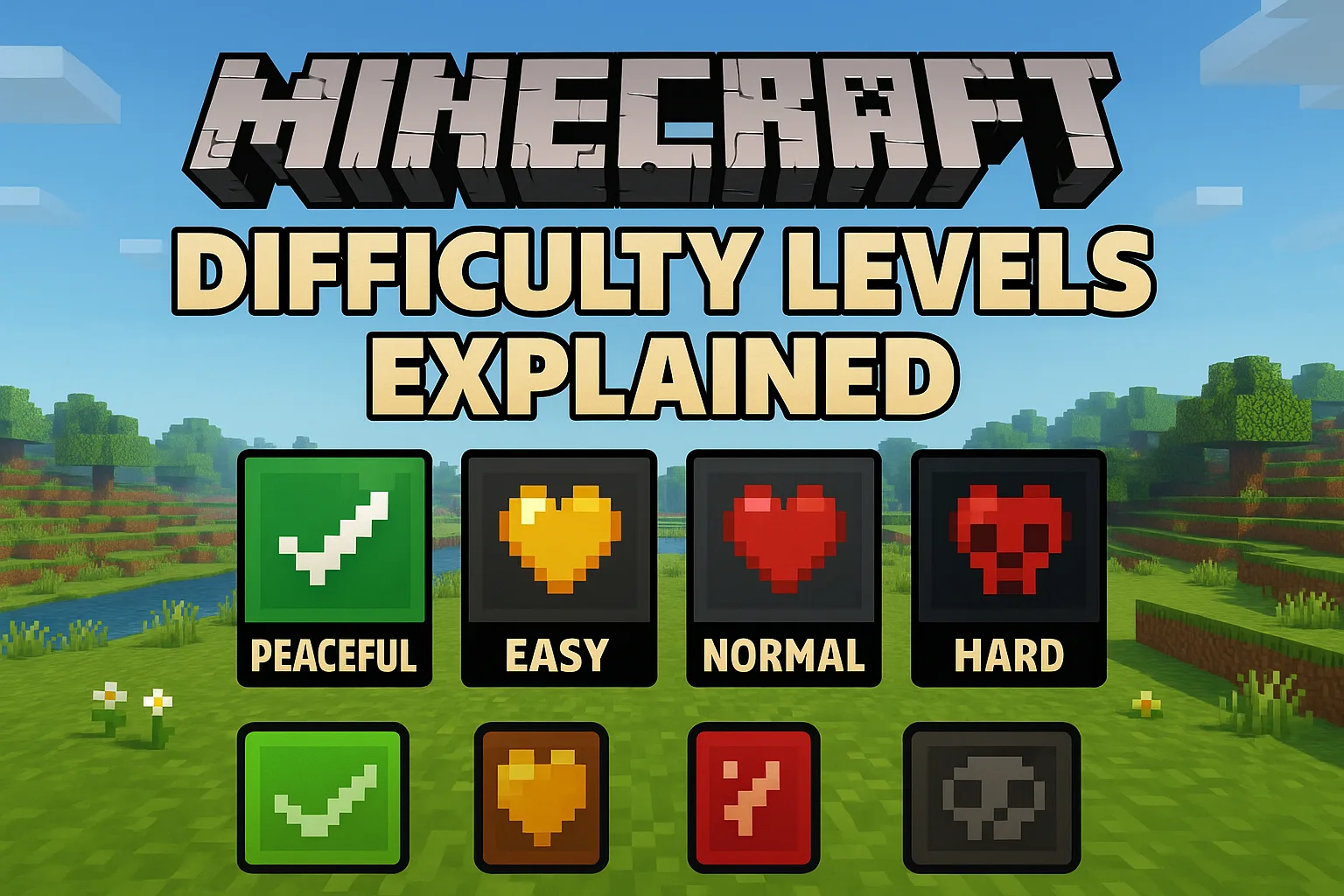
What Are Minecraft Difficulty Levels?
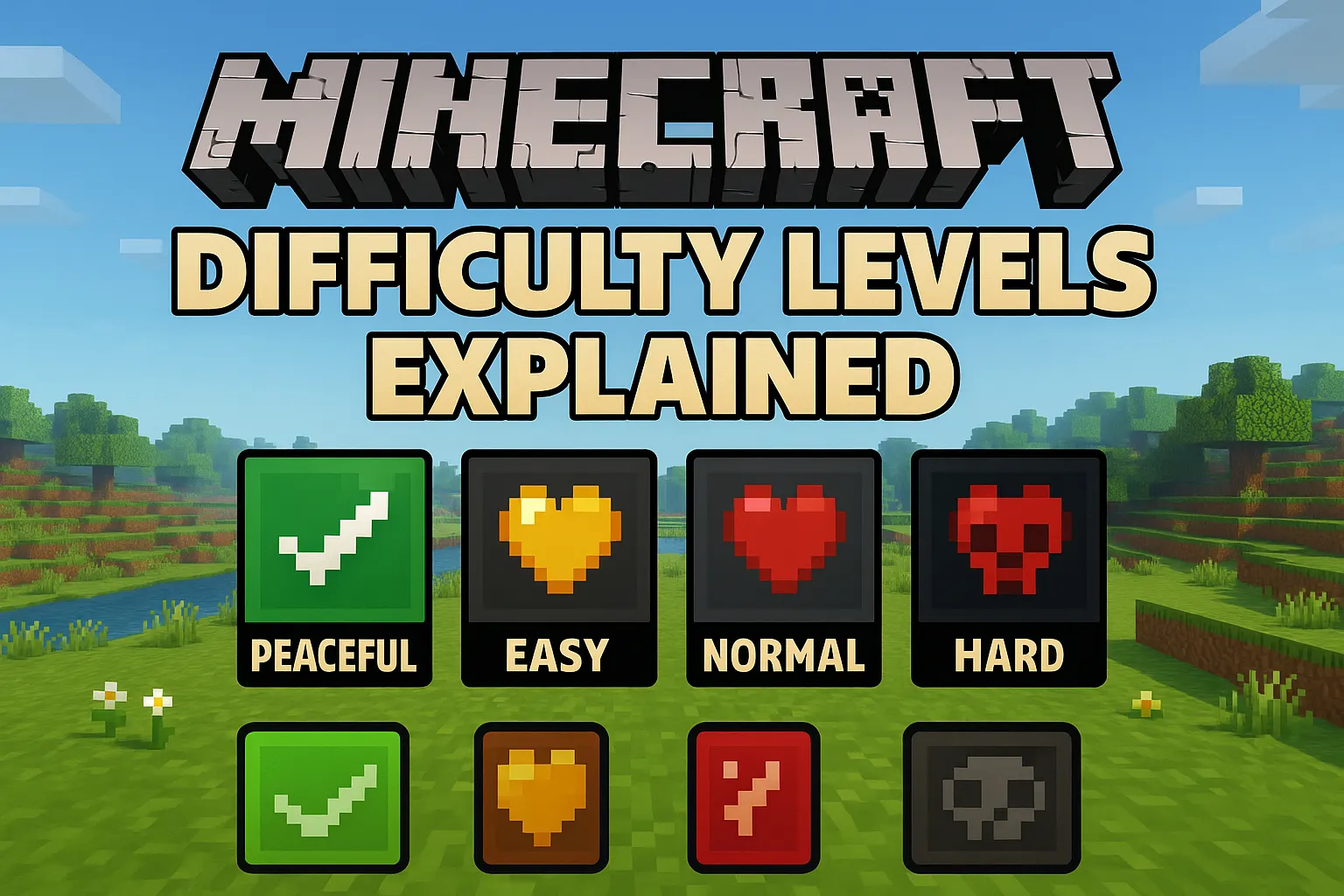
Why Difficulty Matters in Minecraft
Difficulty is not just about making enemies stronger—it changes how you approach the entire game.
On easier modes, players can explore freely without constant danger. This makes it ideal for learning Crafting tools, Building structures, and understanding the world.
On higher difficulties, survival becomes strategic. You must prepare for nightfall, manage food carefully, and approach combat with proper gear.
For example, a player on Easy mode can survive a Creeper explosion with low health, while the same explosion on Hard mode can instantly kill an unarmored player. This difference alone changes how cautiously you play.
Choosing the right difficulty ensures you enjoy the game instead of feeling overwhelmed or bored.
Overview of All Difficulty Levels
Understanding each difficulty setting helps you decide which one fits your playstyle.
Peaceful Mode Explained
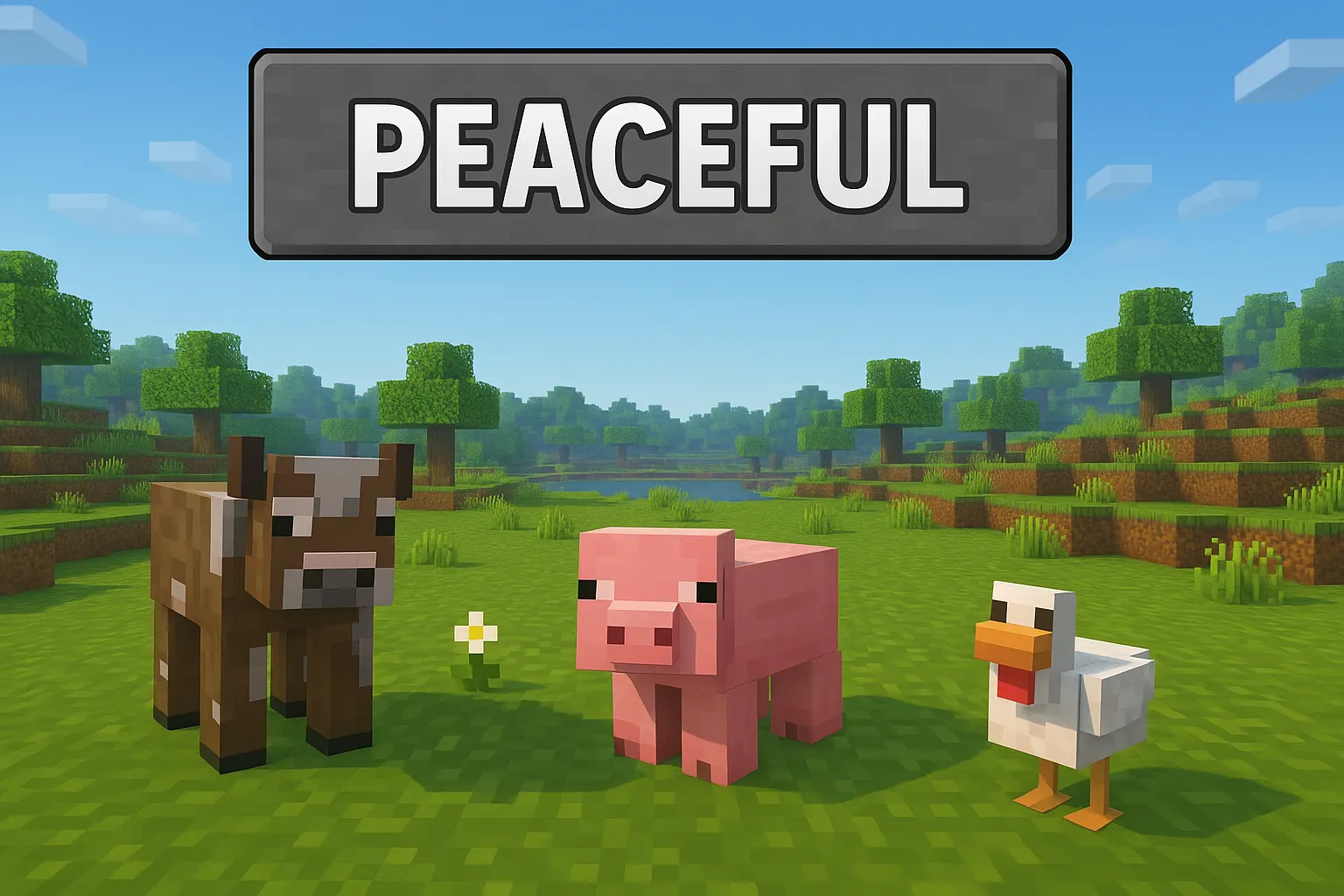
Peaceful mode removes almost all survival threats, making it the safest way to play.
In this mode, hostile mobs do not spawn at all. Your health regenerates automatically, and hunger is completely disabled. This allows you to focus entirely on exploration, mining, and building.
However, some progression elements are limited because certain mob drops are unavailable.
Best use case:
If you want a relaxed experience or to explore caves safely, Peaceful mode is ideal.
Easy Mode Explained
Easy mode introduces survival mechanics while keeping the game forgiving.
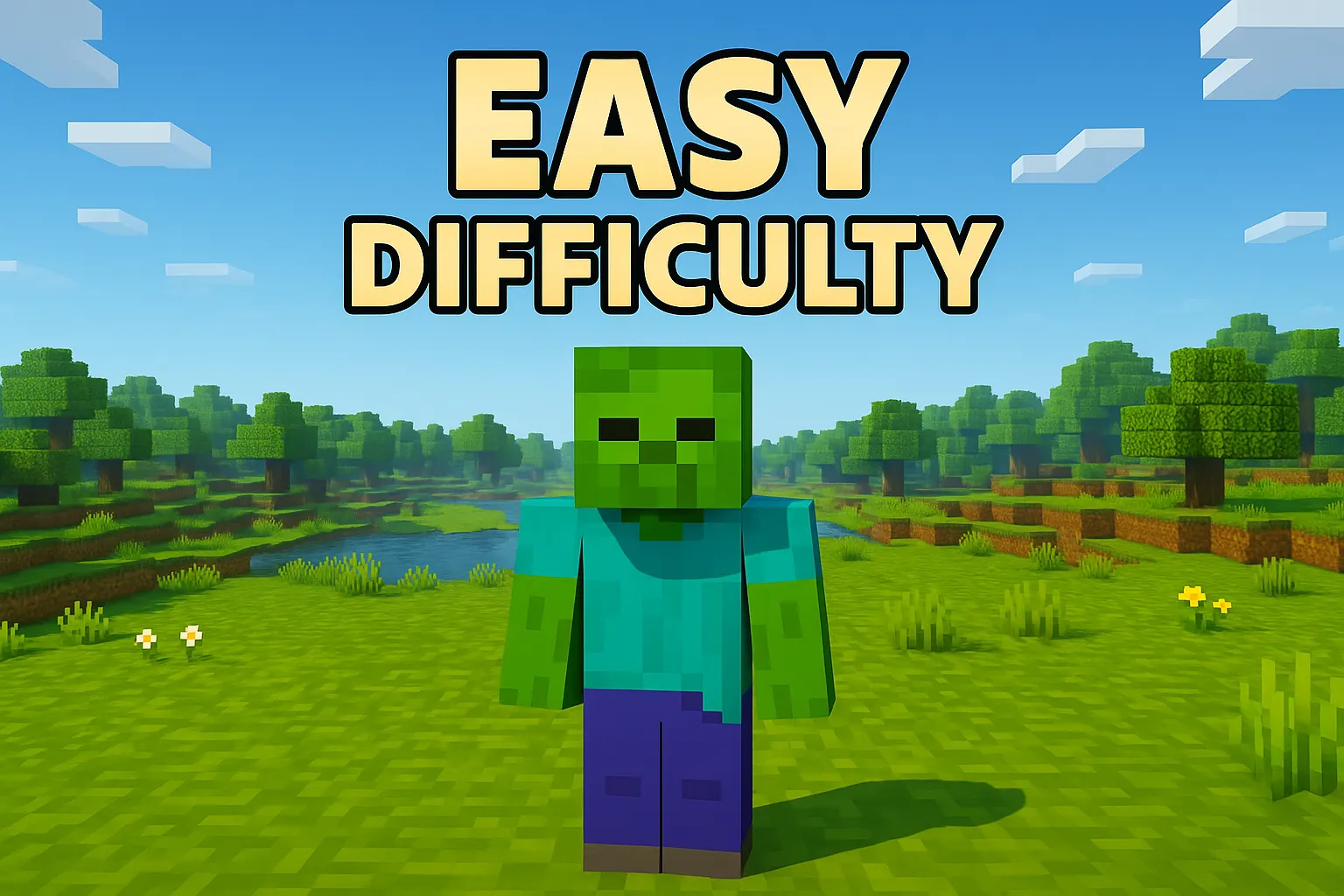
Hostile mobs spawn, but they deal reduced damage. Hunger exists, but it will not reduce your health below a critical level. This gives players room to make mistakes without constant punishment.
For example, if a Zombie attacks you, the damage is manageable even without strong armor, allowing beginners to practice combat safely.
Best use case:
Perfect for new players learning survival basics such as fighting, farming, and building shelters.
Normal Mode Explained
Normal mode provides the standard survival experience intended by the game.
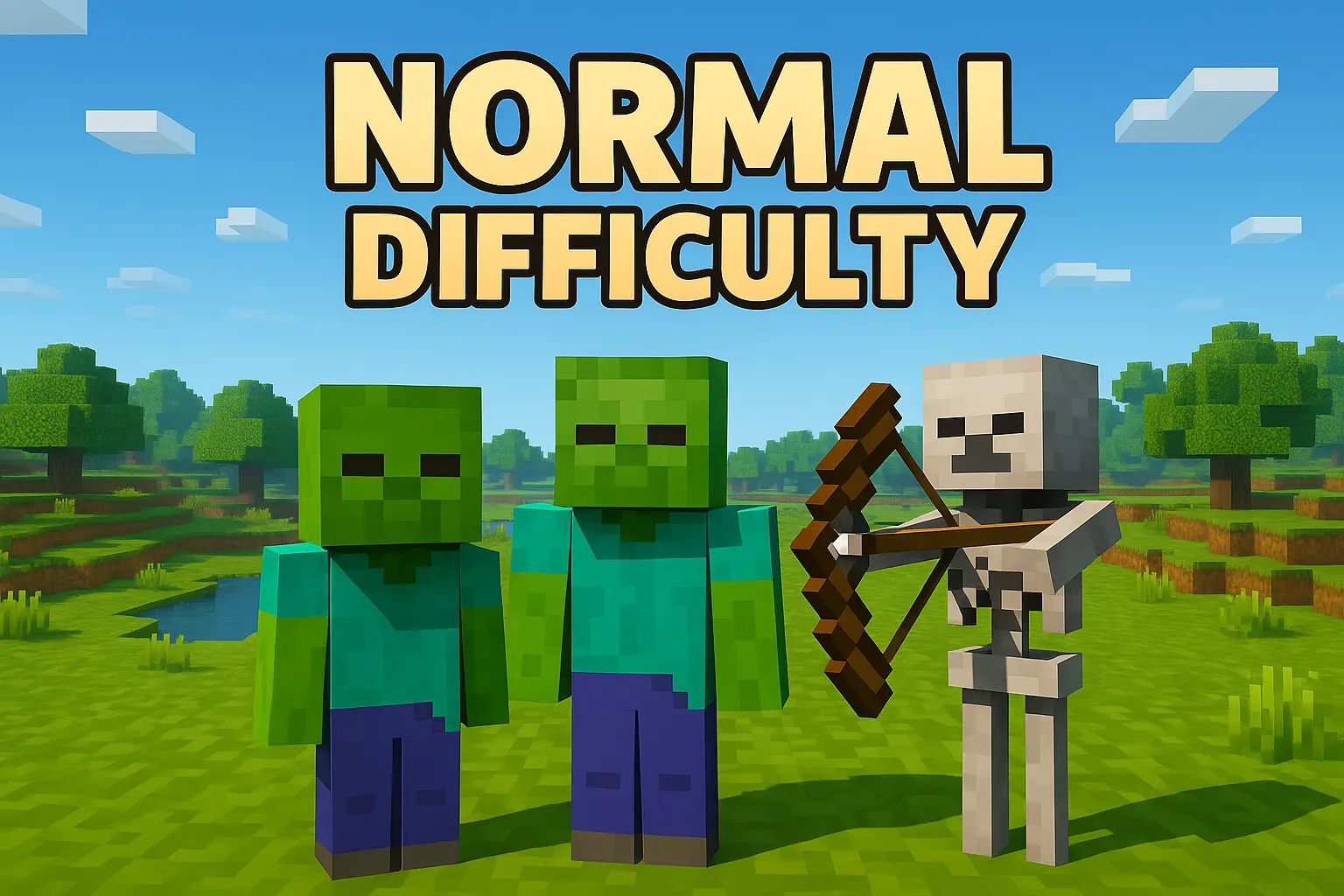
Mobs deal moderate damage, hunger becomes important, and survival requires planning. You need to manage food, craft armor, and defend yourself properly.
At this level, the game starts to feel balanced. Nights become dangerous if you are unprepared, and exploration carries real risk.
Best use case:
Ideal for players who understand the basics and want a balanced challenge.
Hard Mode Explained
Hard mode significantly increases the difficulty and introduces advanced mechanics.
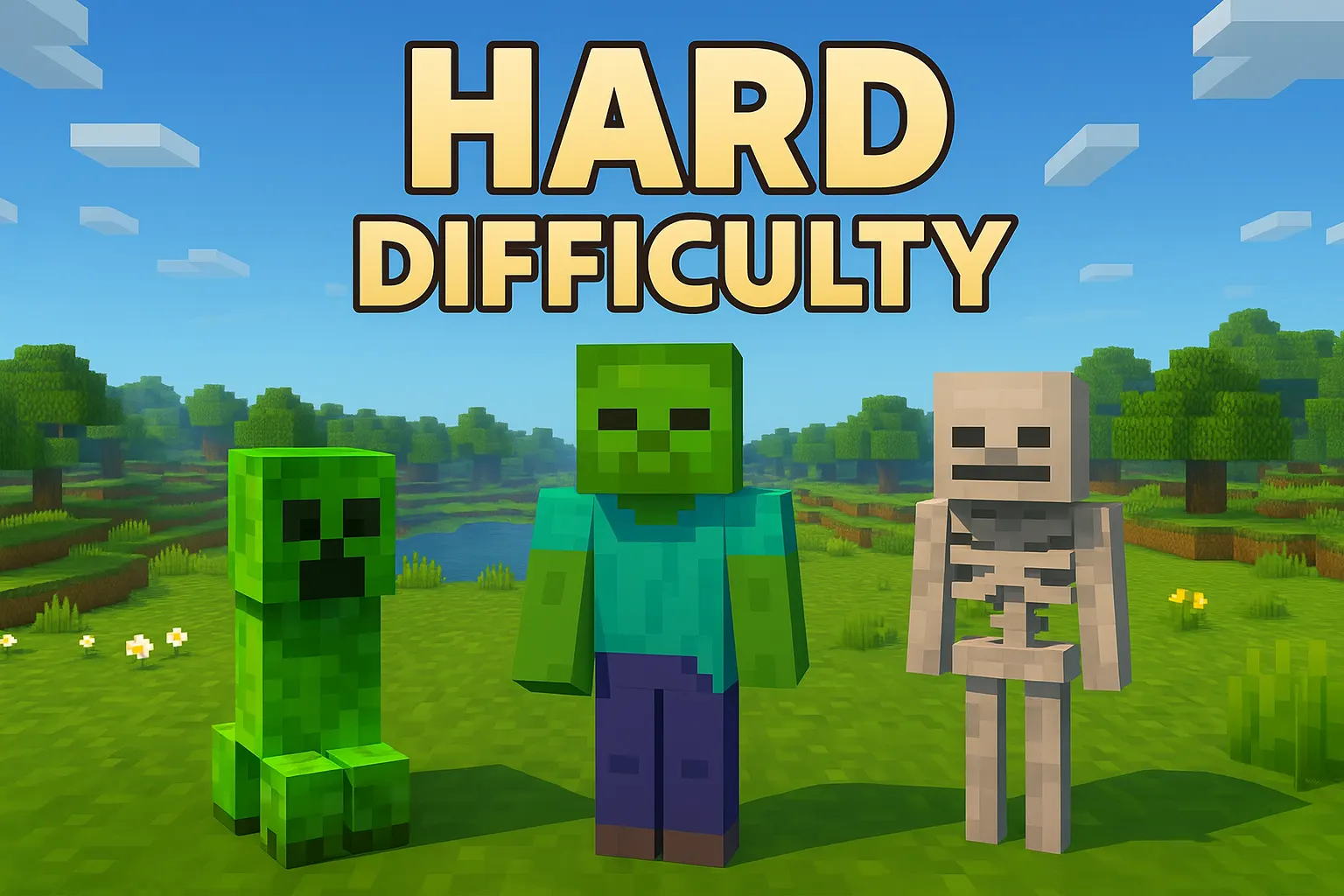
Mobs deal serious damage, and hunger can kill you if ignored. Zombies can break down doors, making basic shelters less secure. Combat becomes more intense and requires proper equipment.
Additionally, villagers are more likely to turn into zombie villagers instead of dying, which adds depth to gameplay strategies.
For example, facing multiple mobs at night without armor in Hard mode often results in instant death, forcing players to prepare carefully before exploring.
Best use case:
Best for experienced players who want a serious survival challenge.
Key Differences Between Difficulty Levels
Understanding the differences between difficulty settings helps you make better decisions in gameplay.
Mob Behavior Changes
| Difficulty | Mob Strength | Special Behavior |
|---|---|---|
| Peaceful | None | No hostile mobs |
| Easy | Low | Basic attacks |
| Normal | Medium | More aggressive |
| Hard | High | Break doors, stronger AI |
In Hard mode, mobs react faster and deal more damage, making combat much more dangerous.
Hunger and Health Mechanics
- Peaceful: No hunger system
- Easy: Hunger does not kill you
- Normal: Hunger reduces health
- Hard: Hunger can kill you
This directly affects how often you need food and how carefully you manage resources.
Damage Scaling
Damage increases noticeably with each level.
For example:
- Skeleton arrows are easy to survive in Easy mode
- The same arrows can deal heavy damage in Hard mode
- Creeper explosions become significantly more dangerous as the difficulty increases
This scaling forces players to improve armor and combat strategies.
Choosing the Right Difficulty for Beginners
Selecting the right difficulty is important for long-term enjoyment.
Gamqo Tip:
A smart progression strategy is to treat difficulty like a training system. Begin on Easy to secure resources and basic gear, then switch to Normal once you establish a base and food supply. This method mirrors how experienced players optimize survival efficiency while minimizing early risks, especially in new worlds.
Best Mode for Learning
Easy mode is the best starting point for most players. It introduces all core mechanics without overwhelming difficulty.
You can learn:
- Basic combat skills
- Resource gathering
- Shelter building
- Food management
When to Increase Difficulty
You should consider increasing difficulty when:
- You can survive multiple nights without dying
- You understand crafting and resource management
- Combat feels too easy
Gradually increasing difficulty keeps the game engaging while improving your skills.
Pro Tip (From Gameplay Experience)
Starting on Easy mode and switching to Normal after a few in-game days creates a smooth learning curve. This approach allows you to understand mechanics first and then adapt to real survival challenges without frustration.
Advanced Gameplay Tips for Each Difficulty
Each difficulty level requires a slightly different strategy.
Survival Tips for Peaceful
Focus on long-term progression instead of survival.
- Explore caves freely for rare resources
- Build large structures without interruption
- Gather materials for future difficulty upgrades
Survival Tips for Easy
Use this stage to build strong fundamentals.
- Always carry food, even if hunger is forgiving
- Build a shelter before Nightfall
- Practice fighting mobs safely
Survival Tips for Normal
Efficiency becomes important.
- Wear armor at all times
- Set up farms for a stable food supply
- Light up your base to prevent mob spawning
Survival Tips for Hard
Preparation is critical.
- Carry backup weapons and armor
- Use shields to block incoming attacks
- Build secure bases with proper defenses
- Avoid unnecessary night exploration early on
Difficulty and Achievements
Difficulty settings do not directly change most achievements, but they influence how difficult it is to complete them.
Playing on greater difficulty improves your survival skills and makes achievements feel more rewarding. Many experienced players prefer Hard mode for this reason.
Common Mistakes Beginners Make
Many new players struggle because they choose the wrong approach early on.
Avoid these Mistakes:
- Starting on Hard mode without experience
- Ignoring hunger and food supply
- Exploring at night without preparation
- Underestimating mob damage
These mistakes often lead to repeated deaths and frustration.
For detailed mechanics and updates, you can check the Minecraft Wiki.
Conclusion
Minecraft difficulty settings define how you experience the game. Whether you prefer a relaxed building environment or an intense survival challenge, each mode offers something unique.
If you are just starting, begin with Easy mode and gradually move up as your confidence grows. This approach helps you enjoy the game while steadily improving your skills.
The key is to choose a difficulty that matches your playstyle and keeps the game fun, not frustrating.