You watched Ph1LzA survive 5,000 days. You thought, "I can do that." Then a Creeper took you out on Day 3, and you had to sit through the "Game Over" screen.
That gap between watching Hardcore runs and surviving one yourself has nothing to do with skill. It's about having a framework. Streamers don't survive hundreds of days. They're better at Minecraft; they survive because they play with a completely different priority system the moment they load in. This guide gives you that system, phase by phase, and covers the Java vs. Bedrock differences that most guides completely ignore.
What Is Minecraft Hardcore Mode?
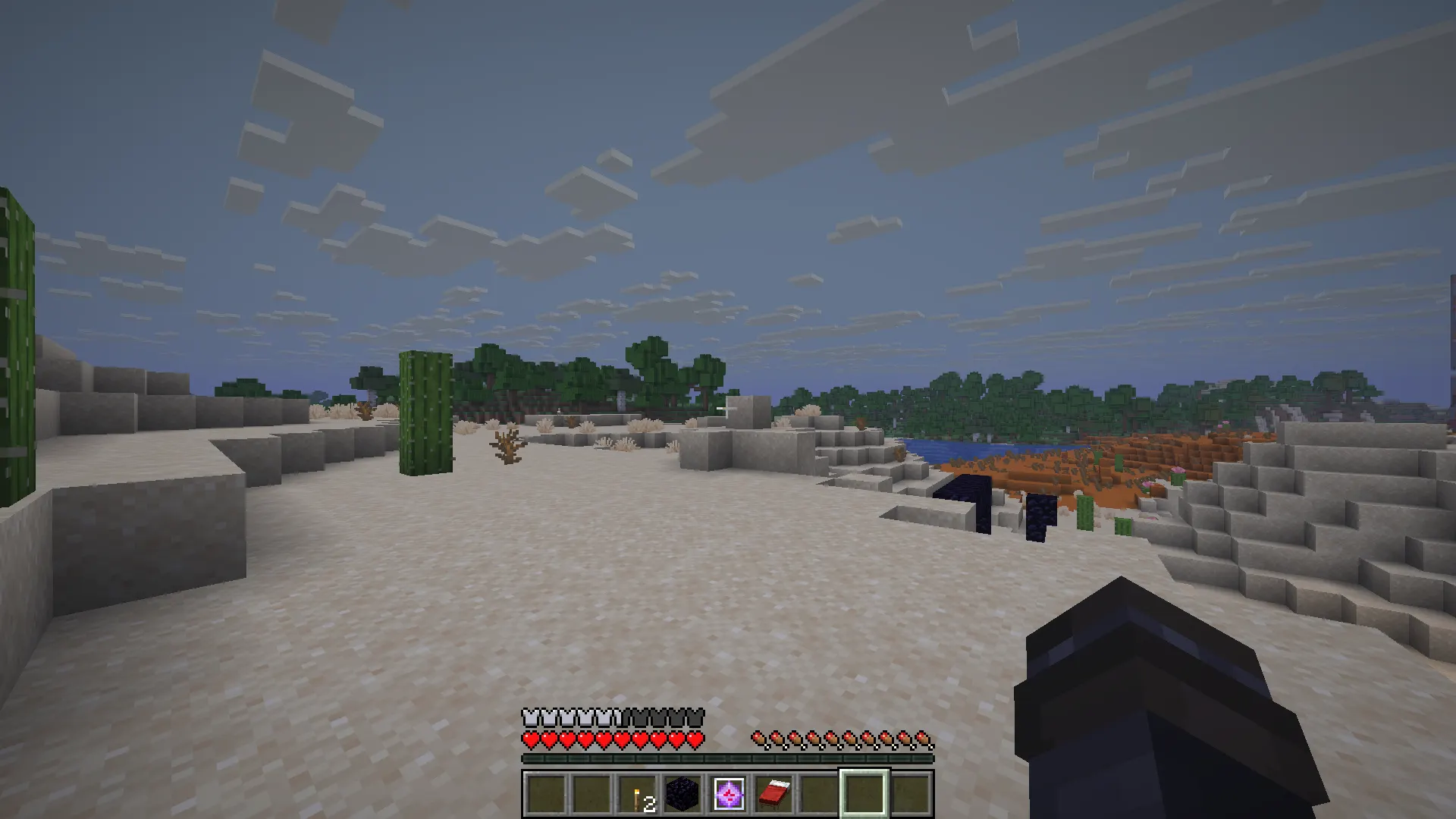
Minecraft Hardcore mode is a locked difficulty setting where death is permanent. When you die, the world is deleted or, on Bedrock Edition, locked into spectator mode. You cannot lower the difficulty, respawn, or continue. One life. That's it.
In Java Edition, Hardcore mode is a dedicated world type you select at creation. The difficulty is permanently locked to Hard, hearts are replaced with skull icons, and upon death, you're offered only the option to delete the world or watch in spectator view.
On Bedrock Edition, Hardcore mode launched in 2024 and works slightly differently: dying locks you into spectator mode permanently rather than deleting the world outright. You can technically still view the world, but your run is over.
That one difference matters more than most people realize, and there are several other Java vs. Bedrock gaps covered later in this guide.
Minecraft Hardcore vs Survival: What Actually Changes
Most players load into Hardcore mode and play Survival habits. That's exactly why they die.
|
Feature |
Survival |
Hardcore |
|
Difficulty |
Adjustable |
Locked to Hard |
|
Death consequence |
Respawn |
World deleted / spectator lock |
|
Hunger |
Drains normally |
Same, but mobs hit harder |
|
Mob damage |
Normal/Hard scale |
Always Hard scale |
|
Beds |
Optional |
Nearly mandatory |
|
Risk tolerance |
High |
Near zero |
The mechanical difference is small. The mindset difference is everything.
In Survival, dying to a Skeleton while caving means losing some gear. In Hardcore mode, that same skeleton ends everything you've built. The game doesn't get harder — your decisions have to get smarter.
Why Beginners Keep Dying Before the Nether
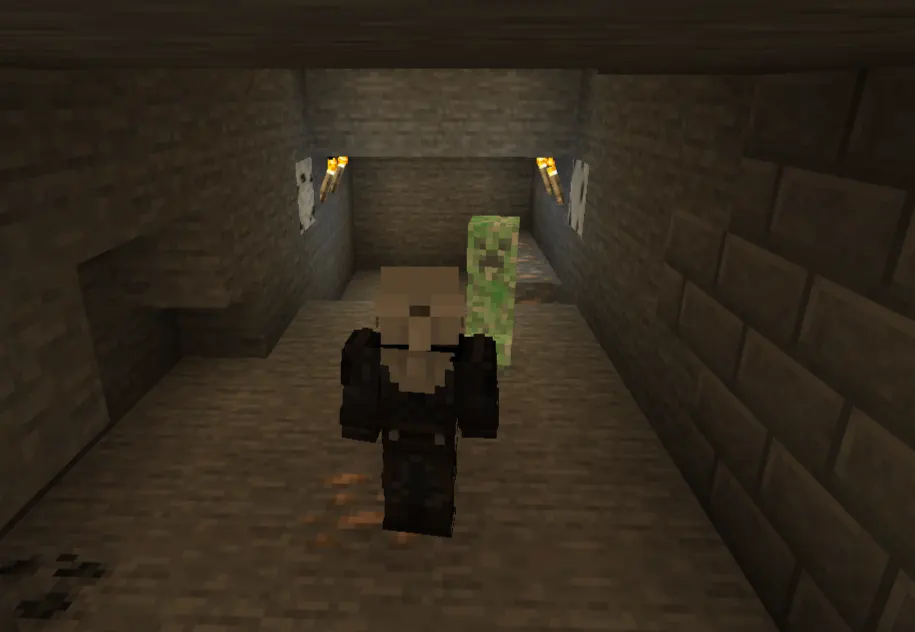
The three most common early deaths in Hardcore Minecraft are creeper explosions, lava falls, and fall damage. All three share one root cause: moving too fast.
Survival players get used to taking risks because the penalty is minor. In Hardcore, rushing an ore vein without lighting the cave first, jumping across a ravine to grab iron, or not checking your surroundings before a fight — these habits kill you. The game is the same. The habit of treating your life as disposable is what has to change.
Phase 1 — Day 1 Priorities (Hours 0–1)
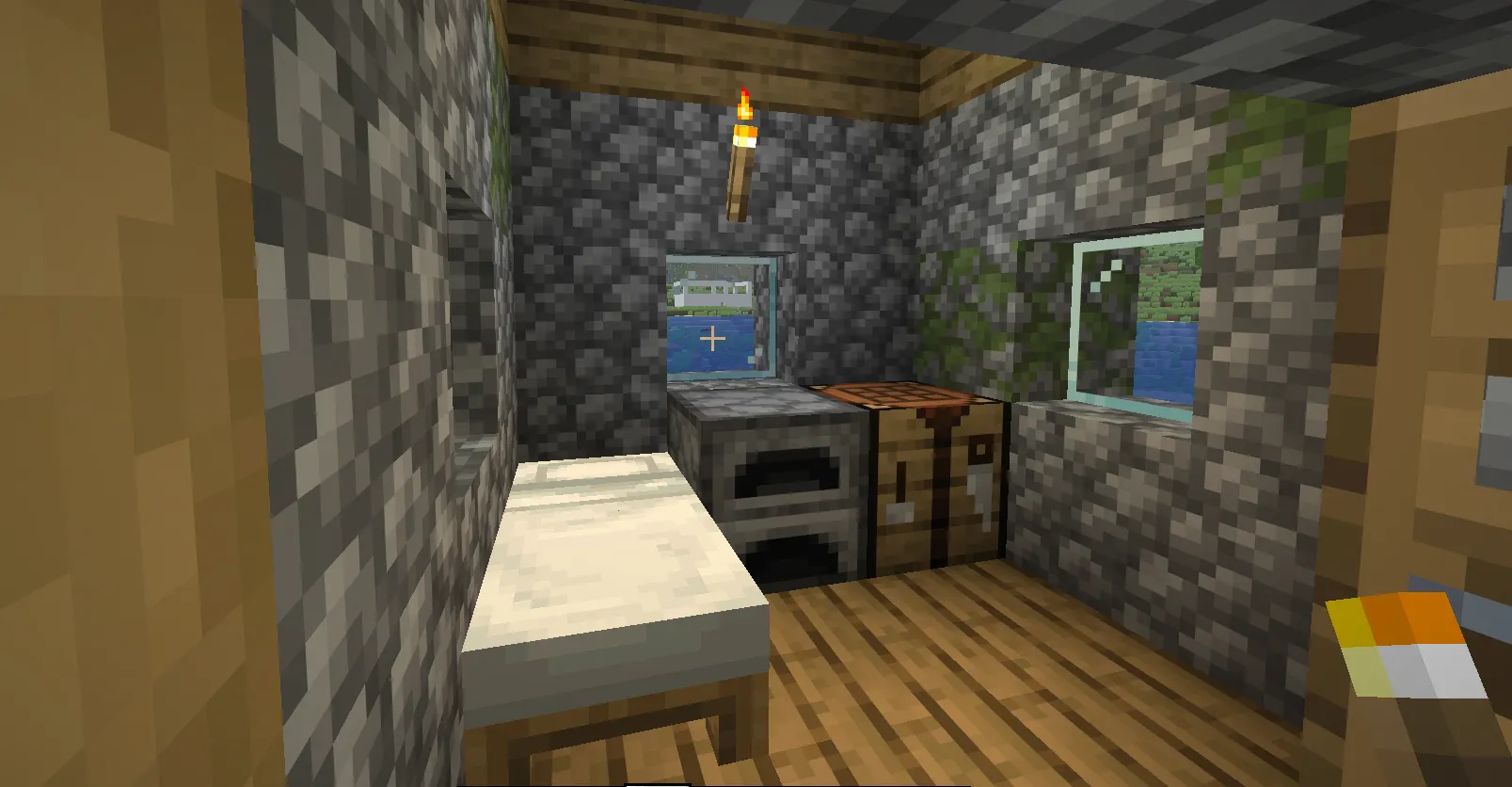
Your first in-game day sets the ceiling for how long your run lasts. Everything here is about getting to your first safe night without taking a single point of damage.
The moment you spawn:
-
Identify your Biome. Deserts and badlands have almost no trees — if you spawn there, find a forest before doing anything else.
-
Punch a tree immediately. You need wood before dark.
-
Craft a crafting table, a wooden pickaxe, and a stone pickaxe as fast as possible.
-
Locate the stone and mine at least 15 blocks early.
Getting through the first night:
-
Build a dirt or wood shelter big enough to stand in with a door. Nothing fancy — just walls and a roof.
-
Craft a Furnace and cook any food you've collected.
-
Place torches inside your shelter and sleep through the night with a bed if you can find sheep for wool. A bed is one of the highest-value items in early Hardcore.
What to avoid on Day 1:
-
Do not fight any mob unless you have no choice.
-
Do not go near caves before you have iron armor.
-
Do not dig straight down. Ever. In Hardcore, this is not a rule of thumb — it's a hard rule.
Phase 2 — The Iron Age (Days 2–7)
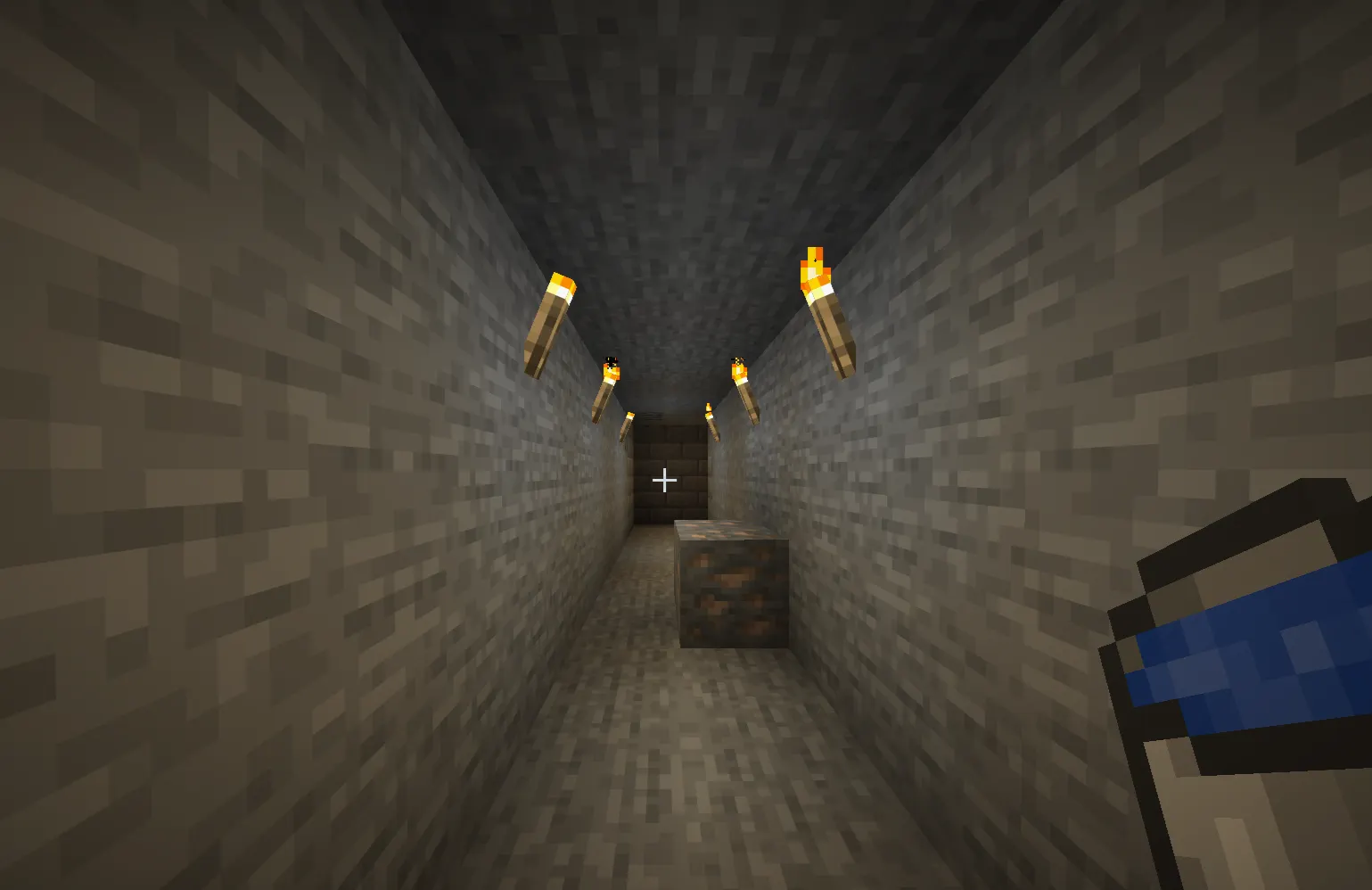
If Day 1 is about surviving the night, Days 2–7 are about building a foundation that doesn't crumble the moment something goes wrong.
Iron is everything. Your entire focus should be on getting a full set of iron armor and an iron sword before you do anything exploratory. Without it, you're one bad mob encounter away from losing the run.
Safe caving in Hardcore:
-
Always carry at least 64 torches.
-
Light every passage behind you as you move forward.
-
Never drop more than 3 blocks without placing a block to break the fall or using a water bucket.
-
Keep a water bucket in your hotbar permanently. Lava is the number one killer in mid-game Hardcore.
-
Back out of any fight against more than two mobs at once. You are not Ph1LzA. Fighting is always the last option.
Food security:
-
Build a simple farm with wheat and carrots as soon as possible. Hunger in Hard mode drains faster and prevents health regeneration, which in Hardcore is a bigger deal than in regular Survival since you can't afford to be caught at 4 hearts with no food.
-
Breed cows or pigs early. Cooked meat restores the most hunger of any early-game food source.
Beds every night:
-
Reset your spawn point nightly. This does nothing for permadeath — if you die, you die — but it prevents the one scenario where you die, the world generates a new respawn point nowhere near your base, and you lose everything regardless. More importantly, sleeping through nights eliminates phantom spawns (Java Edition) and keeps dangerous mobs from accumulating around your area.
Phase 3 — The Nether Entry Checklist
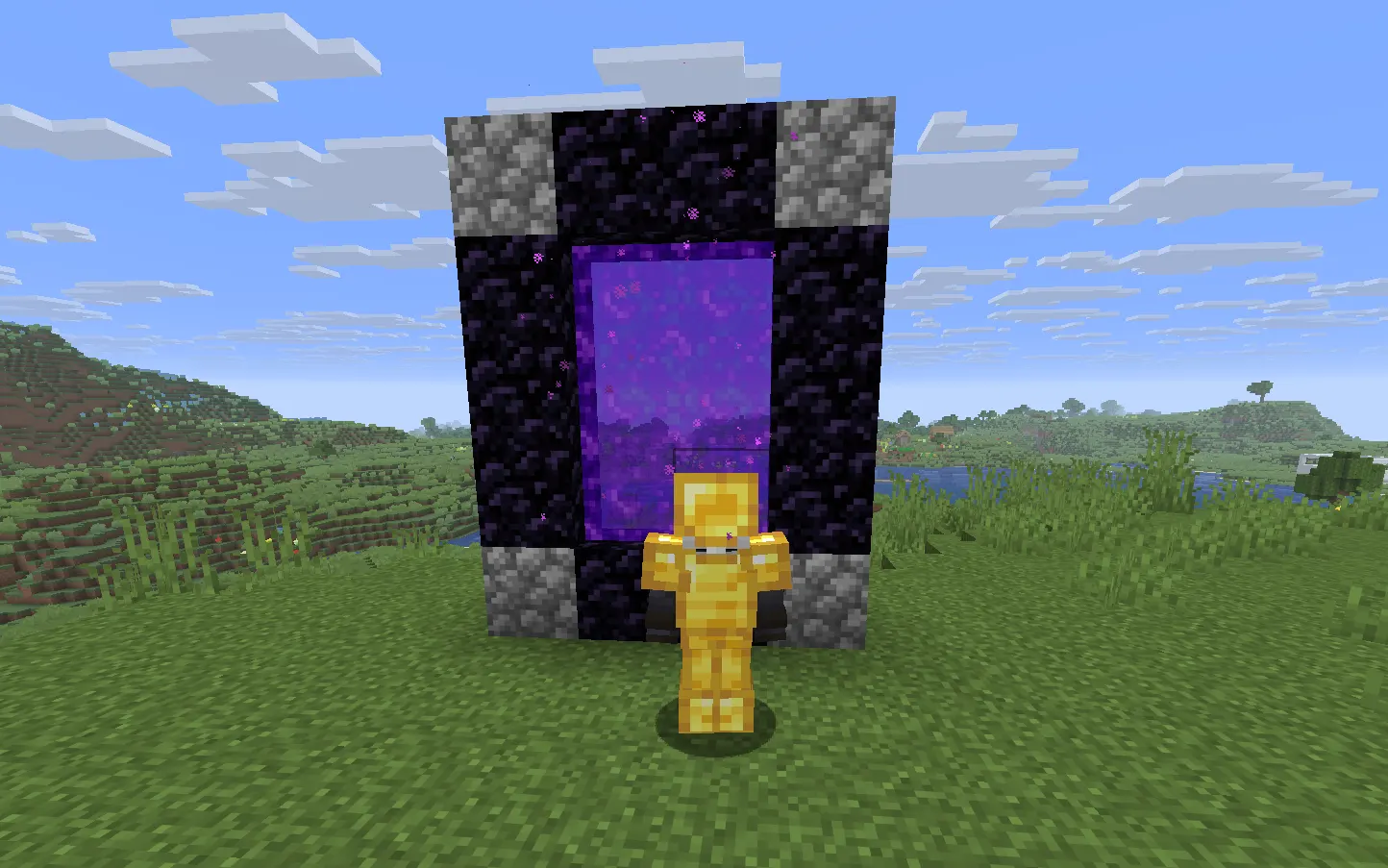
This is where most mid-game Hardcore runs end. The Nether is not a biome you explore with iron gear and good intentions. Before you build your portal, run through this checklist completely.
Gear requirements before entering:
-
Full diamond armor (or at minimum diamond chestplate and helmet with iron for the rest)
-
Diamond sword with Sharpness, if possible
-
Bow with at least 64 arrows
-
Fire Resistance potions — at least 3. This is non-negotiable. One lava pool, one Blaze fireball, one wrong step means death without it.
-
A full food stack (64 cooked meat or bread)
-
At least 2 water buckets (Java only — water evaporates in the Nether, but you can use it right before placing it for emergency fire extinguishing)
-
A flint and steel
-
A full stack of cobblestone for building emergency barriers
In the Nether:
-
Build a protective barrier around your portal the moment you enter. Ghasts can destroy the obsidian frame. If your portal goes out and you can't relight it, you are stranded.
-
Avoid the Basalt Deltas biome on your first runs. The irregular terrain and high Magma Cube density make it a trap for beginners.
-
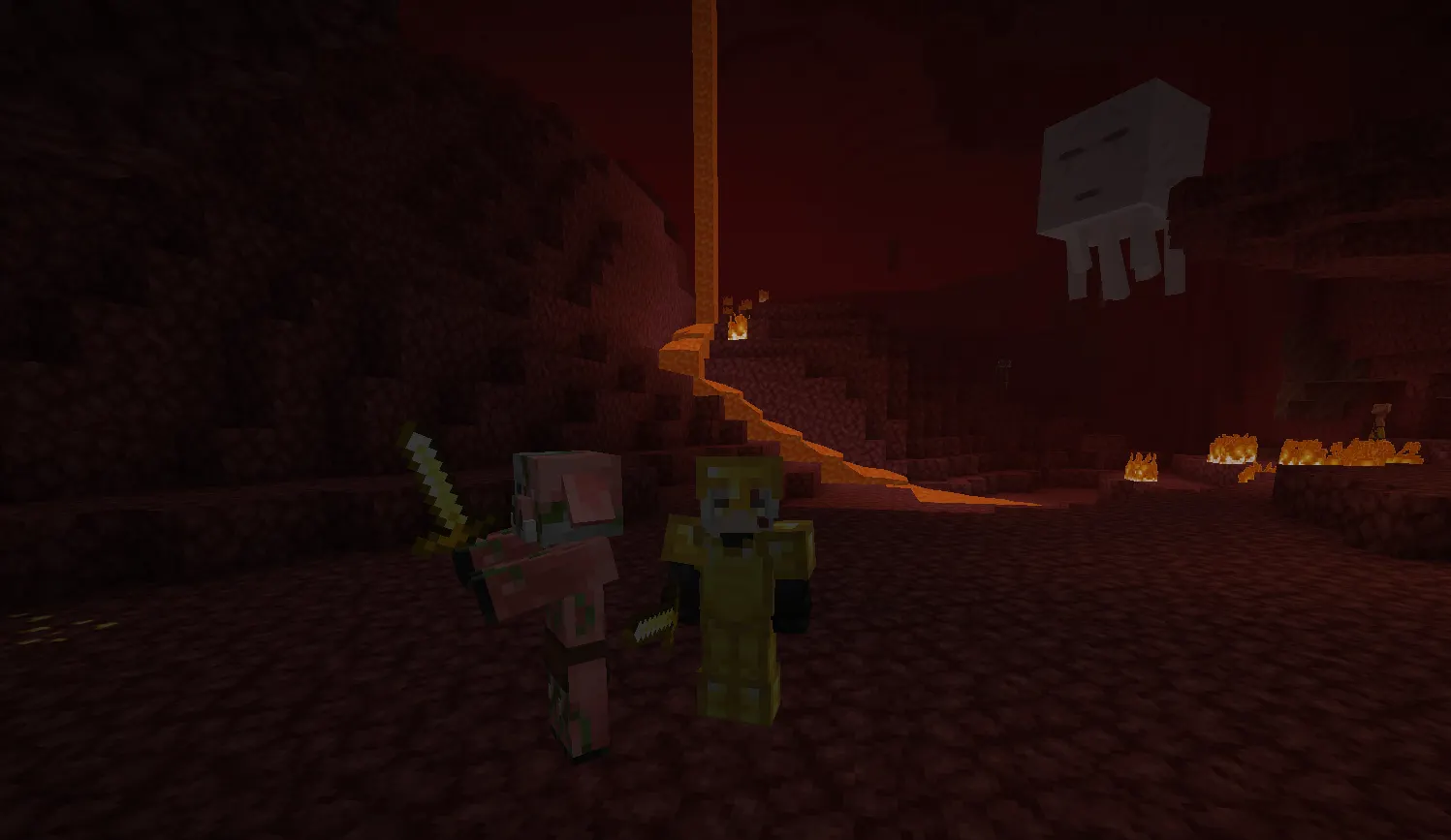
Crimson Forest and Warped Forest are safer travel routes — Piglins are tradeable and mostly predictable if you're wearing gold.
-
Wear at least one piece of gold armor. Without it, Piglins attack on sight. A single gold helmet costs almost nothing and buys you immunity from the most common Nether mob ambush.
-
Navigate by building a path of blocks rather than relying on memory. The Nether looks the same in every direction. Getting lost here without a path back to your portal ends runs.
Finding a Nether Fortress:
-
Travel along the X-axis (East or West) rather than the Z-axis. Nether Fortresses generate in north-south strips, so moving east or west gives you the best chance of crossing one.
-
Once you find a Fortress, get Blaze Rods and at minimum 4 Wither Skeleton Skulls if you plan to fight the Wither before the Dragon (optional, but the beacon it drops is a significant advantage).
Gamqo Tip:
Before you enter the Nether, write down your Overworld portal coordinates, not just save them in your head. The Nether uses an 8:1 coordinate ratio, meaning your Overworld X: 800 Z: 400 translates to roughly X: 100 Z: 50 in the Nether. If you ever build a second Nether portal by accident (easy to do when you're running from a Ghast), the game may link your Overworld portal to the wrong exit and strand you miles from your base when you come back through. Knowing your exact numbers means you can always find your way home. On Java, press F3. On Bedrock, enable "Show Coordinates" in world settings before you create the world; you can't turn it on after the fact.
Phase 4 — End Fight Preparation
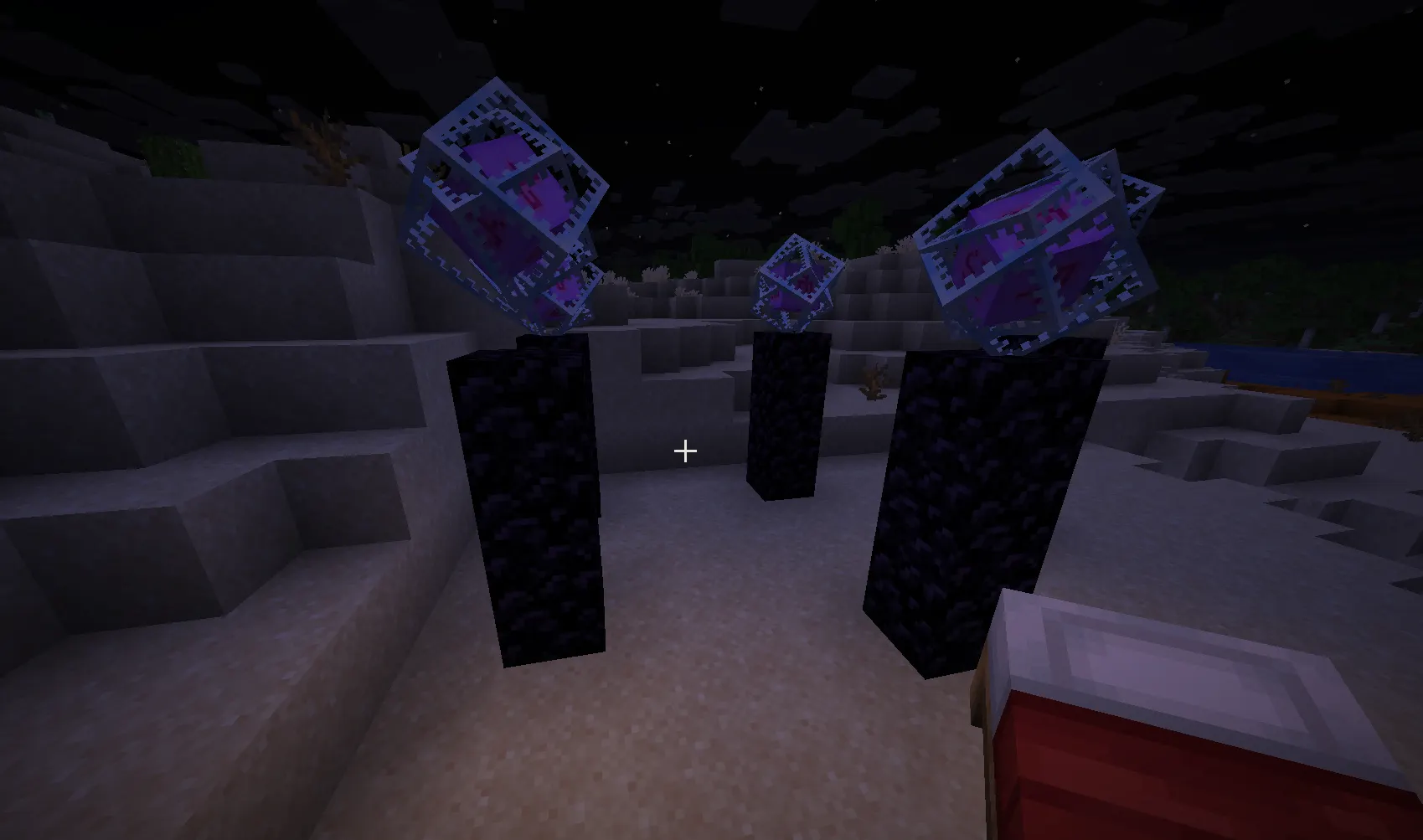
Getting to The End is the straightforward part compared to surviving it. The Ender Dragon fight has specific mechanics that kill unprepared players fast.
What you need before entering:
-
Full enchanted diamond armor. Specifically: Protection IV on as many pieces as possible, Feather Falling IV on boots (the End has massive void drops), and Thorns if you have it.
-
Diamond sword with Sharpness IV or V minimum
-
Power IV or V bow with Infinity enchantment
-
Ender Pearls (at least 12) for repositioning
-
Slow Falling potions — useful for navigating the pillars without fall deaths
-
Multiple stacks of blocks for building towers to reach End Crystals
-
Beds — yes, beds. In The End, beds explode like TNT when you try to use them. This is the fastest and most effective way to deal massive damage to the Dragon during its perch phase. Keep 6–10 beds.
The fight itself:
-
Destroy all End Crystals on the obsidian pillars first. The Dragon heals from them constantly. You can't outdamage it while even one crystal is active.
-
For crystals in iron cages, shoot them with a bow. For low ones, break them with your sword (stand back — they explode).
-
When the Dragon perches on the fountain in the center, place a bed next to it and right-click to detonate. Two to three-bed explosions at full health typically end the fight.
-
Do not stand under the Dragon when it's flying. The hitbox deals knockback that can send you off the edge.
Java vs. Bedrock Hardcore: The Differences Nobody Warns You About
Every guide online either focuses only on Java or treats the two as identical. They're not.
Java Edition Hardcore:
-
True permadeath — world is deleted (or kept for spectator view, your choice)
-
Fully stable implementation with no known platform-specific death bugs
-
Phantoms spawn if you skip sleeping for 3+ in-game nights — a real danger in early Hardcore when you haven't secured a bed
-
Spectral Arrows work correctly
-
F3 debug screen available for precise coordinates
Bedrock Edition Hardcore:
-
Introduced in 2024 — significantly newer, less tested
-
Death locks you into spectator mode rather than deleting the world
-
Several platform-specific issues have been reported since launch: rubber-banding on console editions, causing players to take unexpected fall damage, chunk loading errors that teleport players into blocks, and touch control input lag on mobile, which delays dodging
-
No Phantoms (Bedrock Phantoms exist, but the insomnia mechanic behaves differently)
-
Cross-platform play adds network latency variables to multiplayer Hardcore worlds
-
Controller dead zone issues on Xbox/PlayStation versions can affect precision in combat
If you're playing Hardcore on Bedrock — especially console — build more cautiously near drops, test your settings before committing to a serious run, and be aware that some deaths may feel genuinely unfair. They might be.
Is Hardcore Mode Hard for Beginners?
Hardcore mode is not impossible for beginners, but it punishes Survival habits hard. If you've completed the game on Survival at least once — meaning you've killed the Ender Dragon — you have enough game knowledge to attempt Hardcore. What you need to change is your risk tolerance, not your mechanical skill.
Start with a short-term goal: survive 30 days. Don't even think about the Dragon. Just survive 30 days. Once you've done that, you'll understand your personal failure patterns clearly enough to fix them.
Quick-Reference: Hardcore Survival Rules
-
Never fight unless forced to
-
Always carry a water bucket in your hotbar
-
Never dig straight down
-
Sleep every night or build away from the mob spawning range
-
Don't enter the Nether without Fire Resistance potions
-
Enchant your armor before the End
-
Light every cave you enter
-
Never leave your portal unprotected in the Nether
-
Wear gold in the Nether
-
Keep beds in your End inventory