Redstone is where most Minecraft players either fall in love with the game or quietly give up and go back to building houses. It looks intimidating. The first time you place a comparator, you'll probably stare at it for ten seconds and then just… walk away.
But here's the thing, Redstone isn't complicated once you understand the logic behind it. It's really just electricity. Virtual, blocky electricity. And once that clicks, you'll be wiring up traps and automatic doors before you know it.
This guide covers everything from your very first redstone wire to sorters, hidden entrances, and flying machines. Whether you've never placed a single redstone dust or you're just stuck on comparators, this is the reference you'll want to bookmark.
Quick Answer
What is Redstone in Minecraft, and how does it work?
Redstone is Minecraft's wiring system. It lets you build circuits that power doors, pistons, lights, and machines. It works like electricity, a power source sends a signal through dust, which activates whatever's at the other end. Most builds combine a few basic components in different ways.
What Is Redstone?
Redstone is a mineral you mine underground. It drops as dust when broken. That dust, on its own, does nothing. But once you connect it to a power source and an output, you've built a circuit.
Think of it like a simple home electrical system. The power source is your wall outlet. The redstone dust is the wiring inside the walls. The output of a piston, a lamp, or a door is whatever's plugged in at the end. Flip the switch and electricity flows. That's all Redstone is.
The difference between a beginner and an intermediate player isn't intelligence. It's just knowing what each component does and when to reach for it.
Core Redstone Components
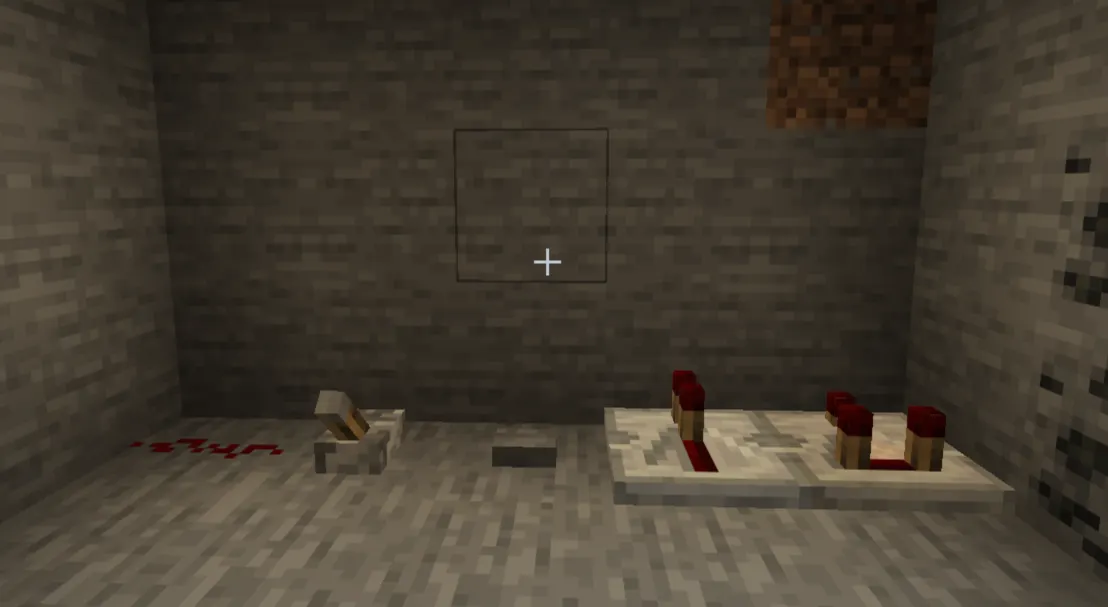
This is the most important section in the guide. Nail this, and everything else falls into place.
Redstone Dust
The wire. You place it on the ground in a line, and it carries a signal from one block to the next. It glows brighter closer to the source. Signal travels a maximum of 15 blocks before dying out. That's where Repeaters come in.
Use it: Everywhere. This is the foundation of every circuit.
Redstone Torch
A permanent power source. It stays on constantly unless the block it's attached to gets powered, then it turns off. That last part is important. It's how you build inverters (things that flip a signal from ON to OFF or vice versa).
Use it: As a power source or to invert signals.
Lever
An on/off switch. Flip it once the circuit activates. Flip it again, circuit stops. It sends a continuous signal as long as it's in the "on" position.
Use it: Any time you want manual, persistent control over something.
Button
Sends a brief pulse about 1 second for stone buttons, 1.5 seconds for wooden ones. Then it resets automatically. You can't keep it held on.
Use it: Doors, traps, one-time activations. Not for things that need to stay powered.
Pressure Plate
Activates when something stands on it: a player, a mob, or even an item. Wooden plates respond to everything. Stone plates respond only to players and mobs. Heavy (iron) and weighted (gold) plates measure the quantity of items.
Use it: Automatic doors, mob traps, entry triggers.
Repeater
Two jobs. First, it extends signal strength; every repeater resets the signal back to full strength, letting you run wires past 15 blocks. Second, it adds a delay. You can right-click to increase the delay from 1 tick up to 4 ticks. Repeaters also lock signal direction, so they only pass current in one direction (the arrow shows which way).
Use it: Long-distance wiring and intentional delays.
Comparator
This one trips everyone up. A comparator has two modes: comparison mode (default) and subtraction mode (right-click to toggle, indicated by the front torch lighting up).
In comparison mode, it outputs a signal equal to the back input, but only if the side inputs aren't stronger. In subtraction mode, it subtracts the side input from the back input.
Its most practical use for beginners? Detecting container fill levels. Point a comparator at a chest, and it outputs a signal strength based on how full the chest is. Empty chest = no signal. Full chest = strong signal.
Use it: Item sorters, auto-shutoff farms, chest detectors.
Piston (Normal + Sticky)
Pistons push blocks when activated. Normal pistons push blocks one space and leave them there. Sticky pistons push and pull; they grab the block when they retract.
Use it: Moving blocks, doors, hidden passages, and farms. Sticky pistons are far more versatile.
Observer
Watches a block face and sends a pulse whenever something changes a block placed, removed, or updated. It outputs through its back end.
Use it: Auto farms (detecting crop growth), automatic contraptions that respond to world changes.
How Redstone Actually Works
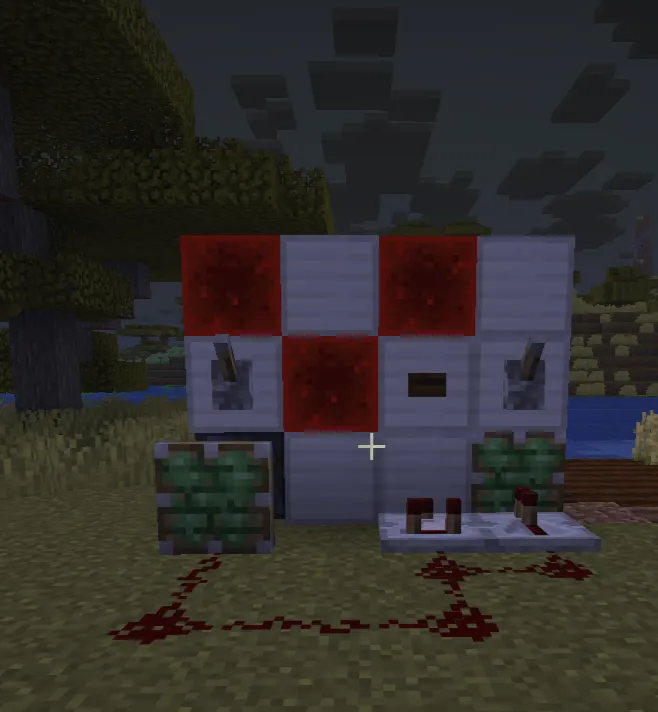
Power Sources
Anything that generates a signal counts as a power source: Torches, levers, buttons, pressure plates, daylight sensors, tripwire hooks, and observers. The signal strength they send out is almost always 15 (the maximum).
Signal Strength
Signal starts at 15 and drops by 1 for each block of dust it travels through. After 15 blocks, it's dead. Place a repeater anywhere in the line, and it resets to 15 again.
Direction
Redstone dust connects to adjacent dust, blocks, and components automatically. When it connects in a straight line or forms a corner, the signal flows that way. If you're getting weird connection behavior, placing your dust more carefully or using solid blocks to control direction usually fixes it.
Tick Delay
Minecraft runs at 20 ticks per second. Redstone operates on game ticks, too. A repeater set to 1 tick delay adds 0.1 seconds. Set to 4 ticks, that's 0.2 seconds. That doesn't sound like much, but in circuits with multiple components firing in sequence, timing matters a lot. Most basic builds don't need you to worry about this at all, st know it exists.
Gamqo Tip: If a circuit isn't working and you can't figure out why, break the whole thing down and rebuild it one component at a time. Nine times out of ten, the problem is a signal direction issue or a wire that's connecting to something unintended.
Basic Redstone Builds (Step-by-Step)
Automatic Door
This is the best first build. Simple, useful, immediately satisfying.
-
Place two iron doors side by side.
-
Dig a 1-block trench in front of the door and one behind it.
-
Drop stone pressure plates into both trenches (they'll sit flush with the floor).
-
Walk up the doors open. Walk through, and they close behind you.
No wiring needed. The pressure plates power the doors directly through the block beneath them.
Simple Piston Door (2x2)
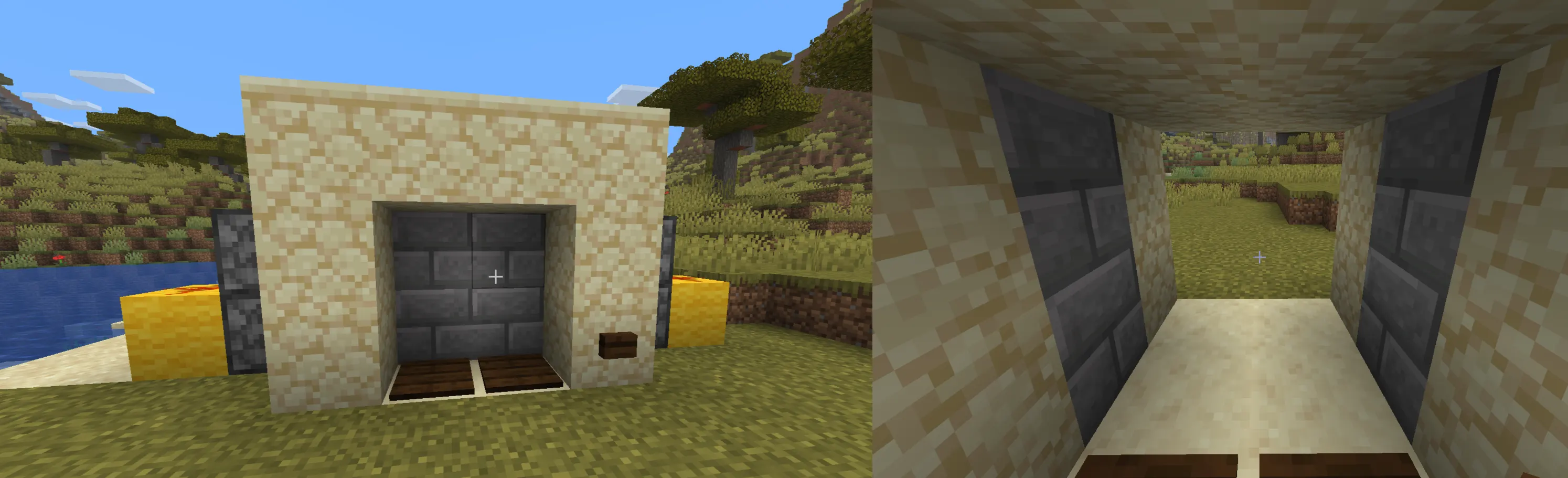
A step up. This one uses pistons to retract blocks instead of swinging a door open.
-
Build a 2-wide, 2-tall wall of any block.
-
Place two sticky pistons on each side, facing inward, lined up with the two wall blocks they need to move.
-
Run redstone from a lever to the back of each piston.
-
Flip the lever pistons retract, opening a gap.
The trick most tutorials skip: power both pistons on each side from a single wire running vertically, not two separate lines. Keeps it clean.
Redstone Lamp System
-
Place a redstone lamp wherever you want light.
-
Run redstone dust from a lever or pressure plate to the lamp.
-
Activate the lever amp turns on.
For day/night automation: replace the lever with a daylight sensor. Right-click the sensor to toggle it to inverted mode (glows when it's dark), and your lamps turn on at night automatically.
Trap Mechanism
-
Dig a 2-block pit covered with a trapdoor.
-
Power the trapdoor with a pressure plate placed nearby (not directly on the trap, or the player won't step on it).
-
Add redstone connecting the plate to the trapdoor.
-
When a player steps on the plate, the trapdoor opens.
Make the hole at least 3–4 blocks deep, and you've got a solid mob or player trap.
Intermediate Concepts
Repeaters and Delays
Once you understand that repeaters both extend the signal and add delay, you can start timing things. A clock circuit where two repeaters loop a signal back and forth res repeatedly on its own. That's the engine behind most automatic farms.
Comparators (Actually Simple)
The easiest way to remember comparators: they compare signal strength. If the back signal is stronger than the sides, it passes through. That's the whole idea in comparison mode.
For practical purposes, just remember: comparators read containers. Is the chest empty? No output. Chest has one item? Small signal. Is the chest full? Maximum signal. Build a circuit that turns off when the chest fills up — that's an auto-shutoff.
Pulse vs. Constant Signal
A button gives you a pulse, a brief flash of power. A lever gives you a constant signal until you flip it off. Some components need constant power to stay active (pistons stay extended only while powered). Others just need a pulse to toggle (certain trap doors, some doors). Getting this wrong is one of the most common Beginner mistakes.
Basic Logic Gates (Simplified)
You don't need to know the theory. Just know these two:
AND gate: Output only fires when BOTH inputs are active. Useful for requiring two conditions at once (like two levers both ON before a door opens).
OR gate: Output fires when EITHER input is active. Basically, just two wires merging into one, the simplest gate there is.
Advanced Redstone Ideas
Item Sorters
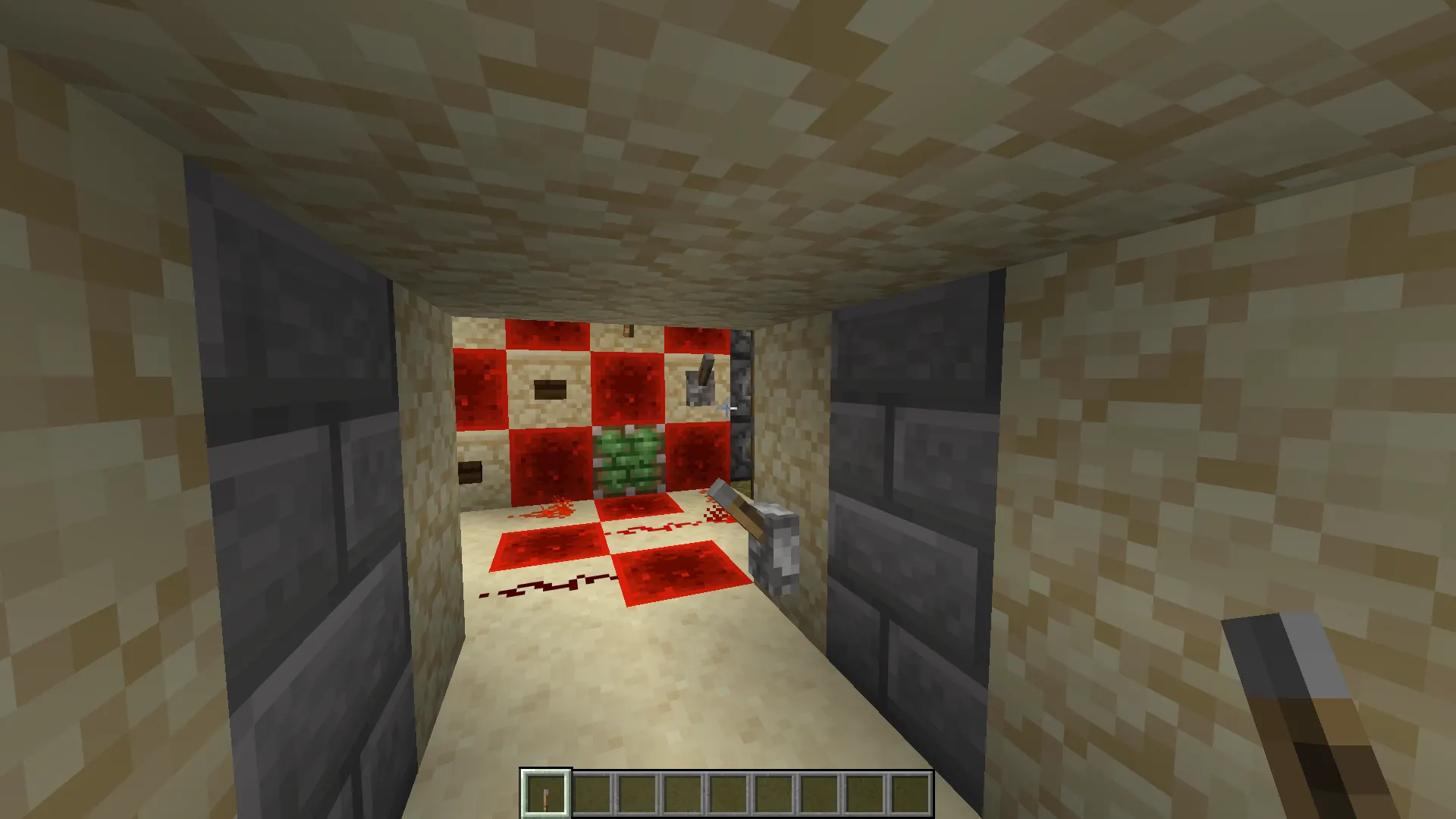
An item sorter uses comparators and hoppers to detect item type and route items into specific chests. They look complex at first glance. The core principle: a hopper compares the items passing through it against a "filter" chest filled with named items. Match = items get pulled out. No match = they pass through.
Build one section at a time, test it with one item type, then expand.
Auto Farms
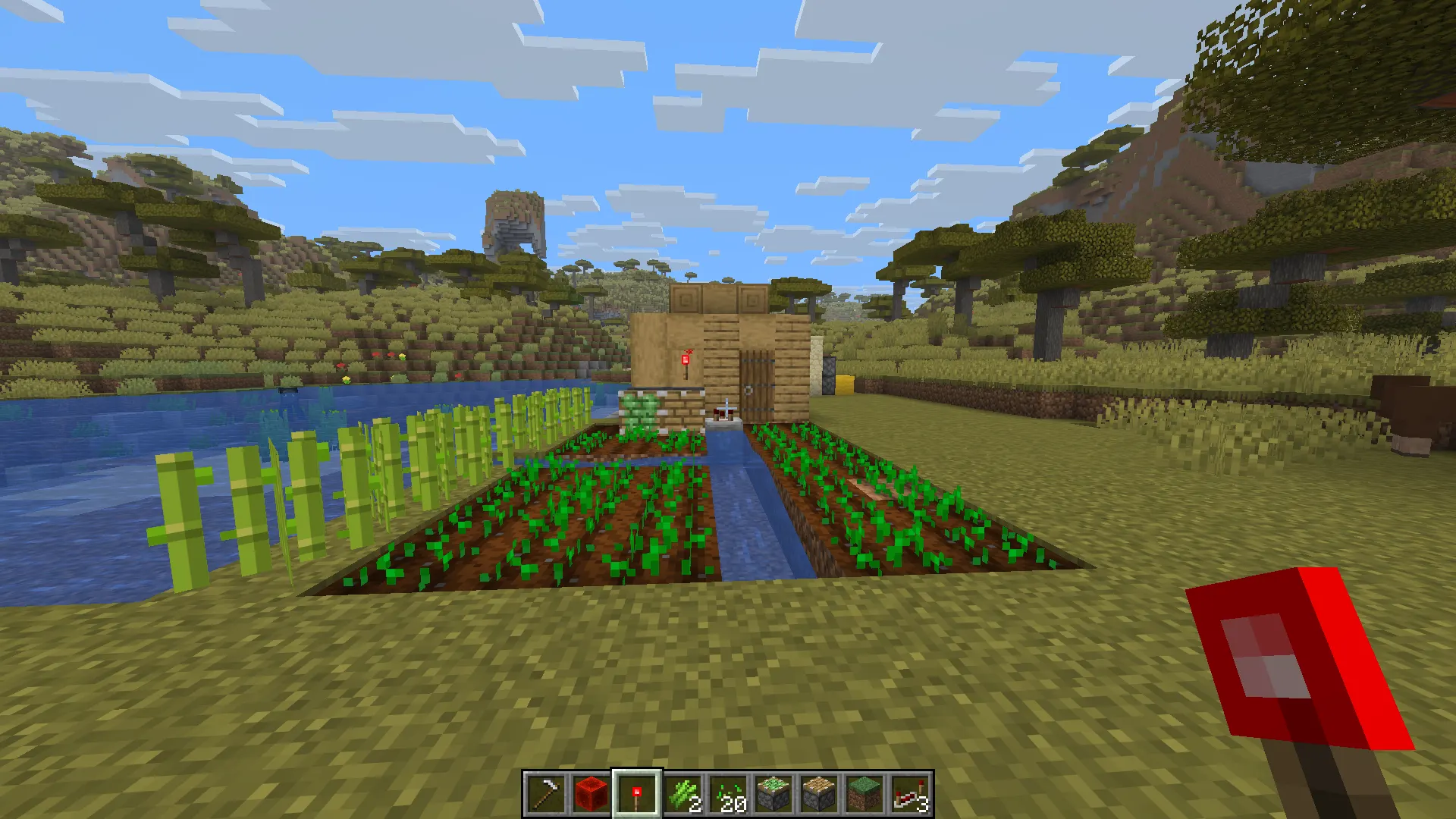
Most crop farms use observers to detect when crops fully grow, then trigger a piston to break them, which drops items into a hopper below. Sugar cane farms are the best starting point. The logic is simple, and the output is high.
Hidden Doors
A 2x2 piston door hides almost perfectly behind stone or dirt. Add a hidden pressure plate or a lever behind a painting (yes, levers work behind paintings), and it looks completely normal from the outside.
Flying Machines
These use slime blocks or honey blocks attached to pistons that push and pull themselves forward. They're a whole rabbit hole. Honestly, the best way to learn about flying machines is to watch one in action and rebuild it piece by piece. Reading about them doesn't help nearly as much.
Common Mistakes That Kill Your Builds
Wrong signal direction. Repeaters only pass current one way. If your build isn't working, check that every repeater is pointing in the right direction.
Forgetting signal decay. Long wire runs die after 15 blocks. Add a repeater somewhere in the middle of any long run.
Overcomplicating early. Most beginners try to build the advanced version of something before understanding the simple version. Start with the dumbest build that works, then add complexity.
Messy layouts. Redstone wires connect to things you didn't intend when they're too close together. Leave at least one block gap between parallel wires running side by side unless you want them to merge.
Using normal pistons when you needed sticky. If a block slides out but doesn't come back, that's usually the problem.
Pro Tips From Experienced Players
Torch towers for vertical signal. Want to send redstone power upward? Alternate redstone torches and solid blocks up a wall. Each torch powers the block above it, which powers the next torch, and so on.
Slabs don't conduct power. If you need to run a wire under a path without accidentally powering the path itself, use slabs as the walking surface.
Name your levers and buttons. In big builds with a lot of inputs, an anvil and a quick rename save hours of confusion.
Build underground when possible. Circuits under the floor keep your build looking clean and prevent accidental activation. Plus, it's way harder for other players to find.
Test in creative first. If you're spending a lot of survival resources on a complex build, prototype it in Creative mode. There's no shame in it. Every experienced Redstone player does this.
Conclusion
Redstone rewards patience more than intelligence. The first time a circuit you built actually works, lights turning on, a door slamming shut behind you, a farm harvesting itself, it's genuinely satisfying in a way that most other parts of the game aren't.
Start with the basics in this guide. Get comfortable with levers, dust, and pistons before you touch comparators. Once the fundamentals feel natural, the more complex builds aren't scary; they're just bigger versions of the same ideas.
The best Redstone engineers aren't the ones who memorized the most circuits. They're the ones who broke the most things and figured out why.