Introduction
Imagine having every block, every item, and every resource in Minecraft — without mining a single stone or worrying about a Creeper sneaking up behind you.
That's exactly what Creative Mode gives you.
Whether you want to build a massive castle, test a Redstone contraption, or explore freely, Creative Mode hands you unlimited power with zero limits. It's the sandbox within the sandbox.
If you're brand new to Minecraft, this guide will walk you through everything. And if you've already spent time in Survival, you'll probably wonder why you didn't switch sooner.
What Is Creative Mode in Minecraft?
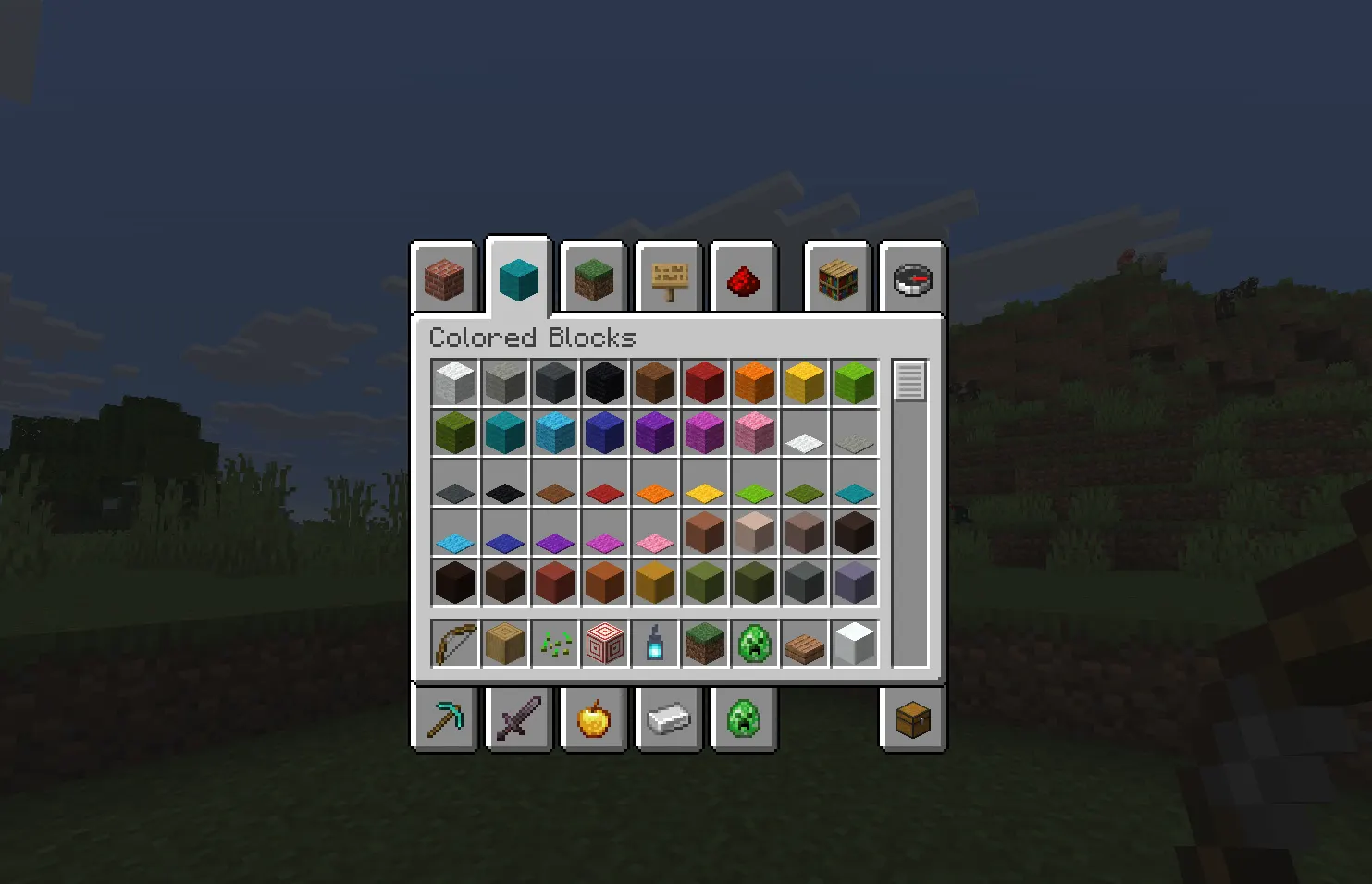
Creative Mode is one of Minecraft's core game modes. It removes all survival mechanics and gives you complete freedom to build, explore, and create without any restrictions.
There's no health bar to worry about. No hunger. No dying. You won't lose items or take fall damage. The game gets out of your way and lets you do whatever you want.
Think of it like being handed a box of infinite LEGO pieces with no instructions and no time limit.
Key Features of Creative Mode
Here's what makes Creative Mode completely different from every other mode in the game:
-
Unlimited Resources — Every single block and item in the game is available in your inventory for free. Wood, diamonds, TNT, command blocks — it's all there instantly.
-
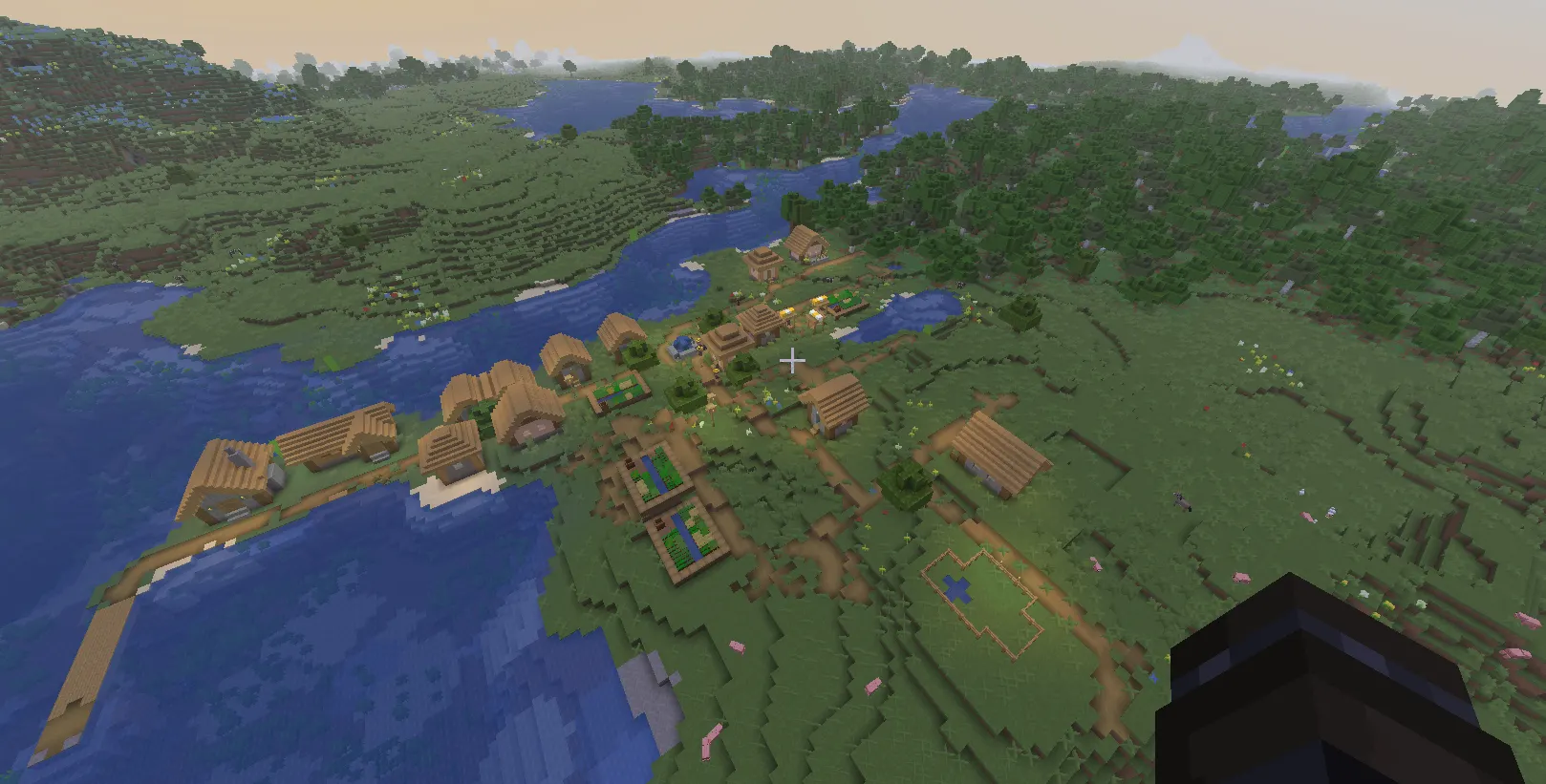
Flight — You can fly anywhere in the world. No elytra needed. Just double-tap the jump key and take off.
-
No Health or Hunger — You can't starve or die from damage in standard Creative Mode. You're basically invincible.
-
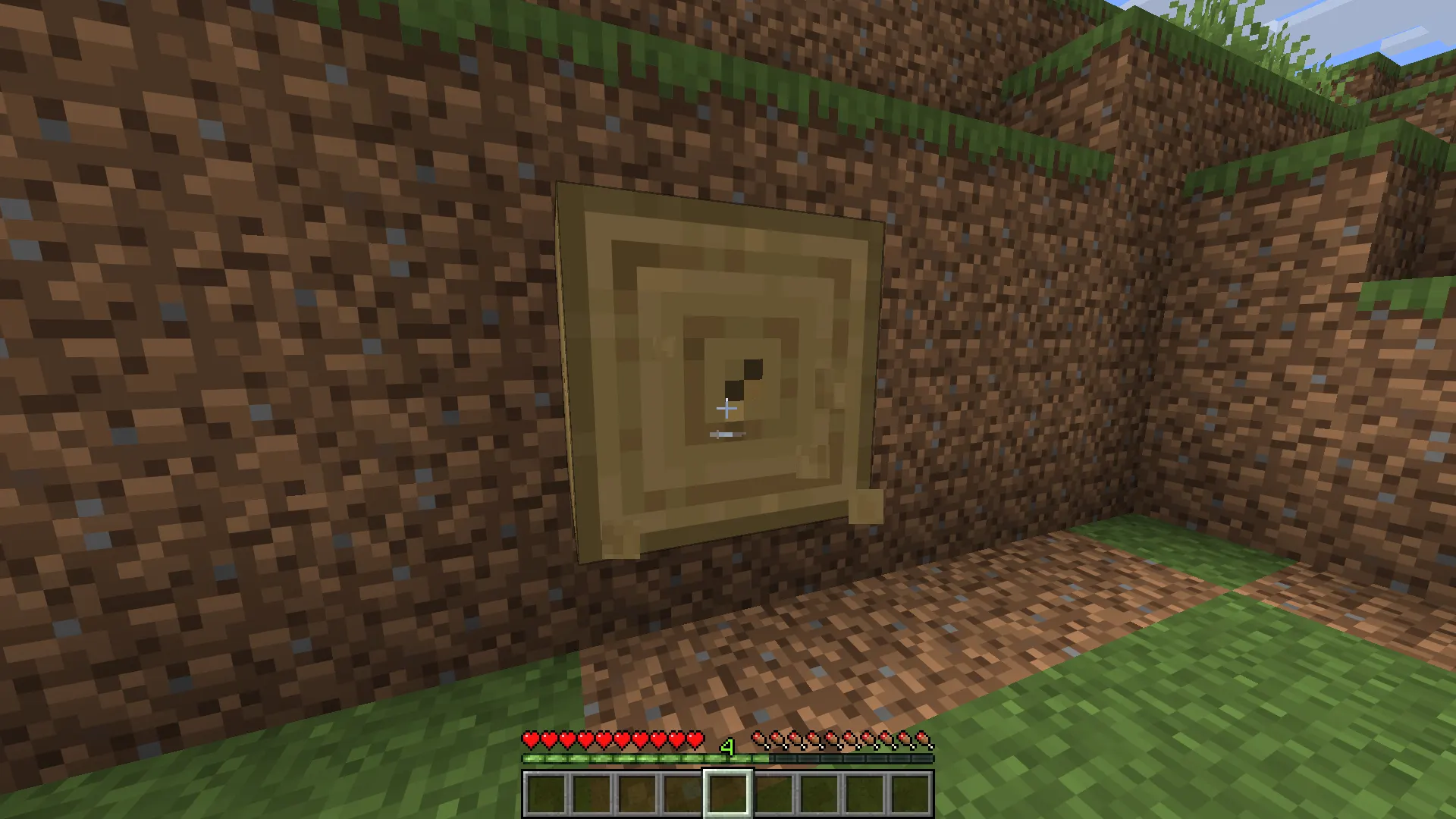
Instant Block Breaking — No waiting, no tool required. Click a block, and it's gone immediately.
-
Full Item Access — Items that are nearly impossible to get in Survival — like command blocks, barriers, and structure blocks — are all available.
-
No Mob Aggression — Most Hostile mobs will leave you alone unless you provoke them, and even then, they can't really hurt you.
These features aren't just about making things easy. They're designed to remove every obstacle between your imagination and your build.
How to Switch to Creative Mode
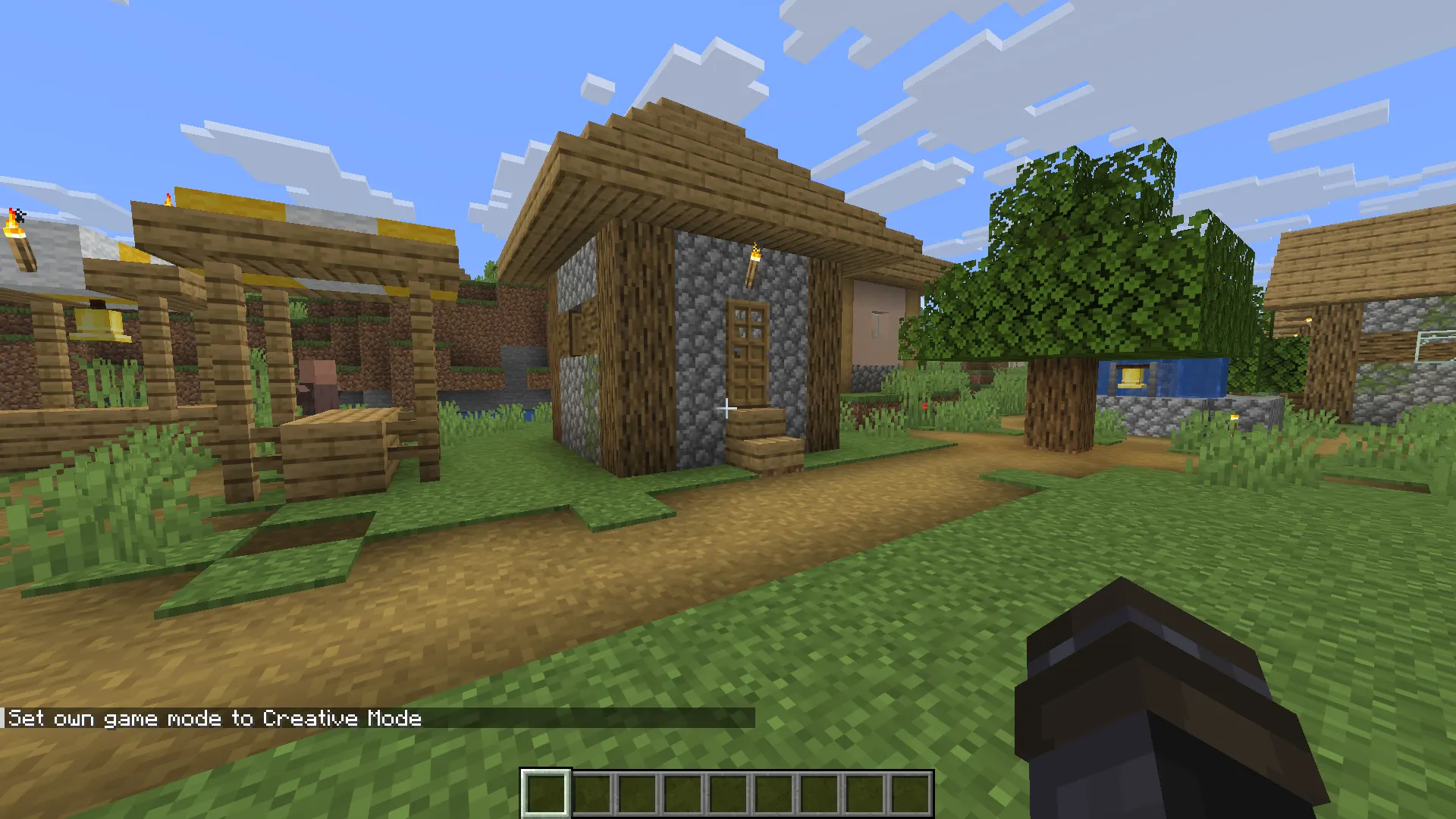
Switching to Creative Mode is quick and simple. Here's how to do it on both Java and Bedrock editions.
Java Edition
-
Open your world and press T to open the chat.
-
Type the following command and press Enter:
/gamemode creative
-
You'll see a message confirming the change. Your inventory will shift to the Creative inventory immediately.
Note: Cheats must be enabled in your world settings for this command to work. You can turn cheats on when creating a new world.
Bedrock Edition
-
Open chat by tapping the chat icon (mobile) or pressing T (PC/console).
-
Type:
/gamemode creative
-
Hit enter, and you're done.
Alternatively, on Bedrock, you can go to Settings > Game and change the game mode directly from the in-game menu without a command.
If you're playing a multiplayer server, you'll need operator (OP) permissions to use the /gamemode command.
Creative Mode Controls (Quick Guide)
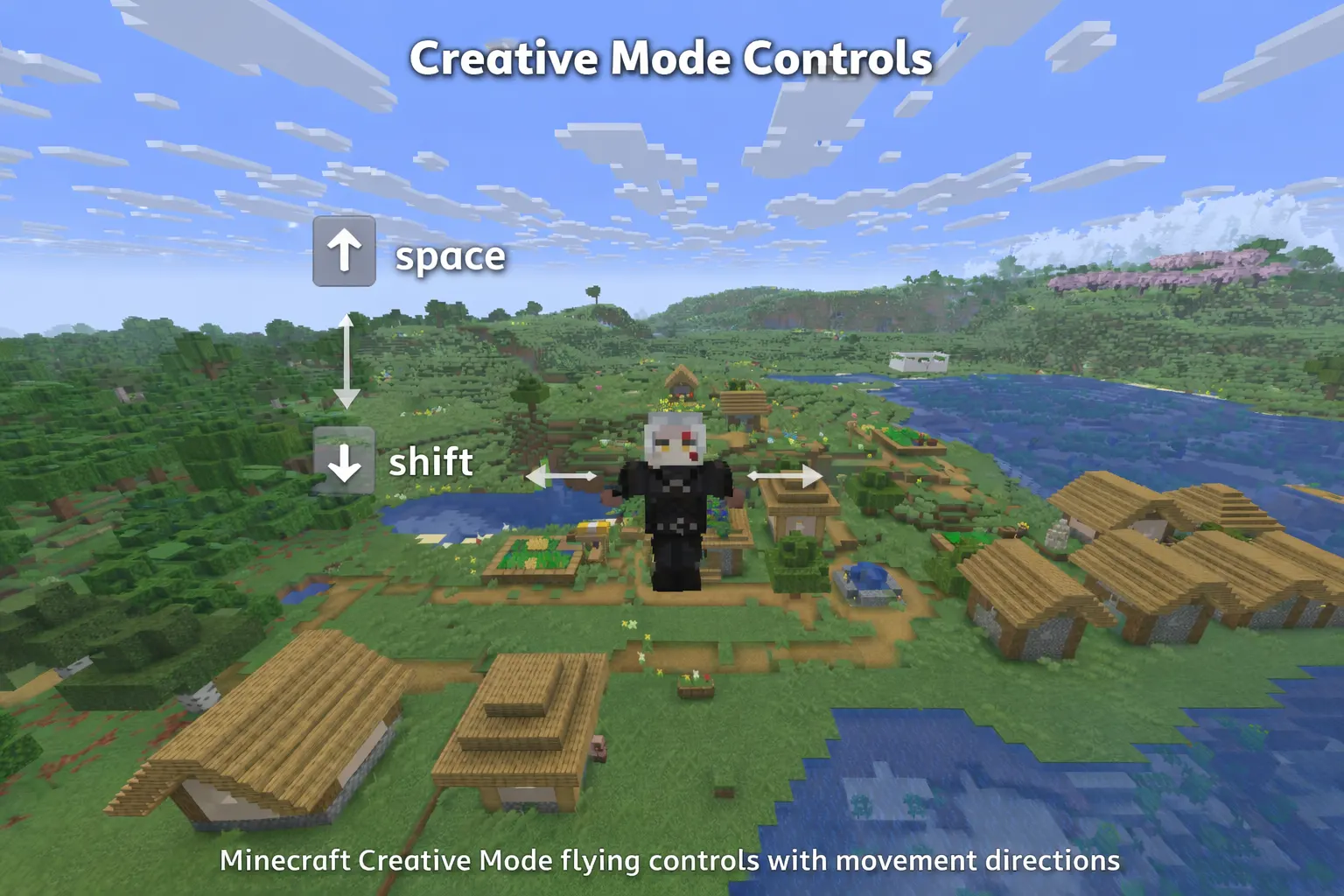
Getting used to Creative Mode controls takes just a few minutes. Here's what you need to know:
|
Action |
Java Edition |
Bedrock Edition |
|
Start Flying |
Double-tap Space |
Double-tap Jump |
|
Fly Up |
Hold Space |
Hold Jump |
|
Fly Down |
Hold Shift |
Hold Crouch |
|
Stop Flying |
Double-tap Space again |
Double-tap Jump again |
|
Open Creative Inventory |
E |
… icon or E |
|
Pick Block (copy to hand) |
Middle Mouse Button |
Hold block in hotbar |
|
Delete Block Instantly |
Left Click |
Tap/Left Click |
|
Place Block |
Right Click |
Tap/Right Click |
Flying is the biggest adjustment if you're used to Survival. Once you get the hang of it, moving around your world becomes incredibly fast and satisfying.
What Can You Do in Creative Mode?
Creative Mode opens up a world of possibilities. Here are the most common — and most useful — things players do in it:
Build Epic Structures
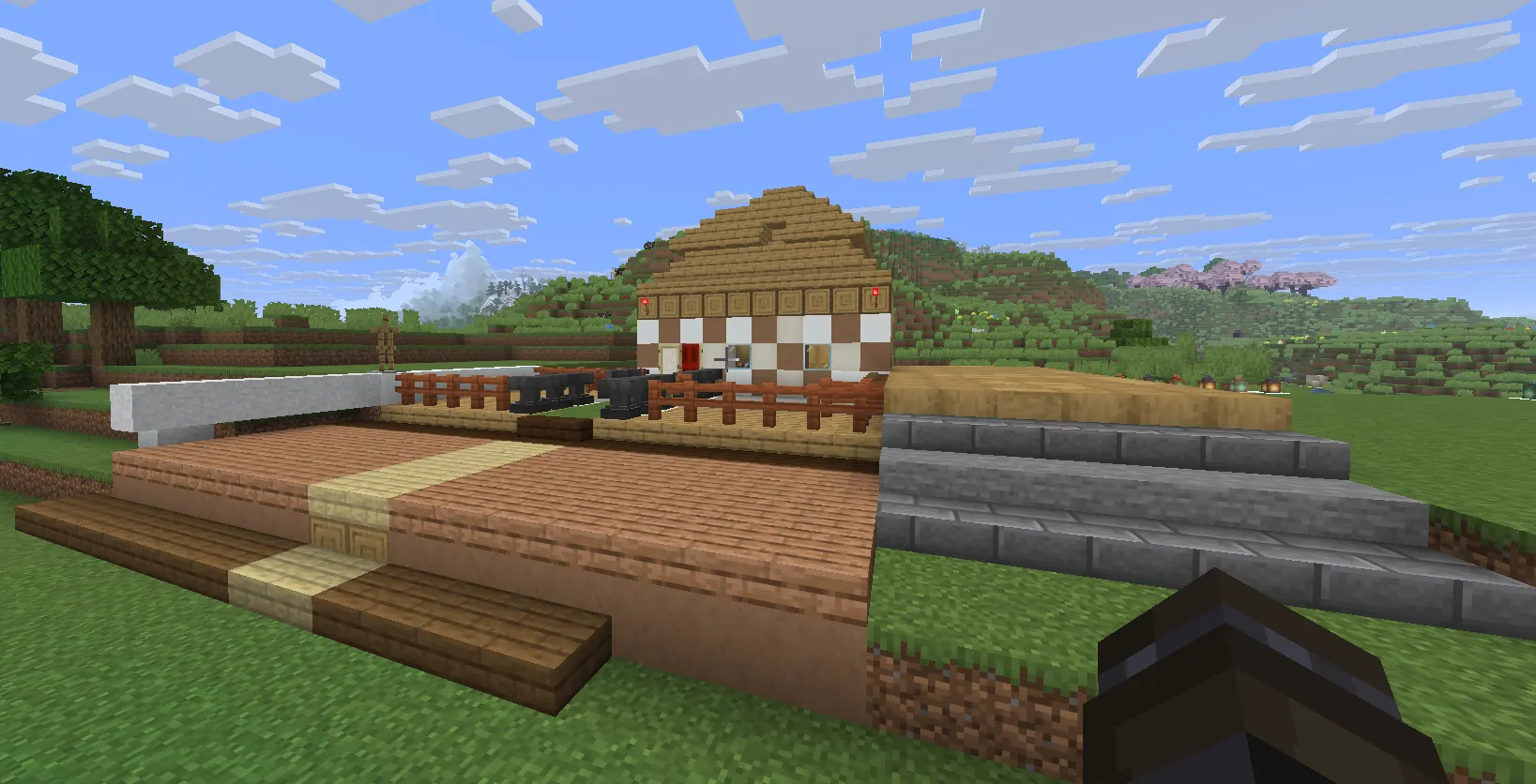
This is the main reason most players use Creative Mode. Without resource gathering slowing you down, you can focus 100% on building. Cities, mansions, pixel art, replicas of real-world buildings — all of it becomes possible.
Test Redstone Designs
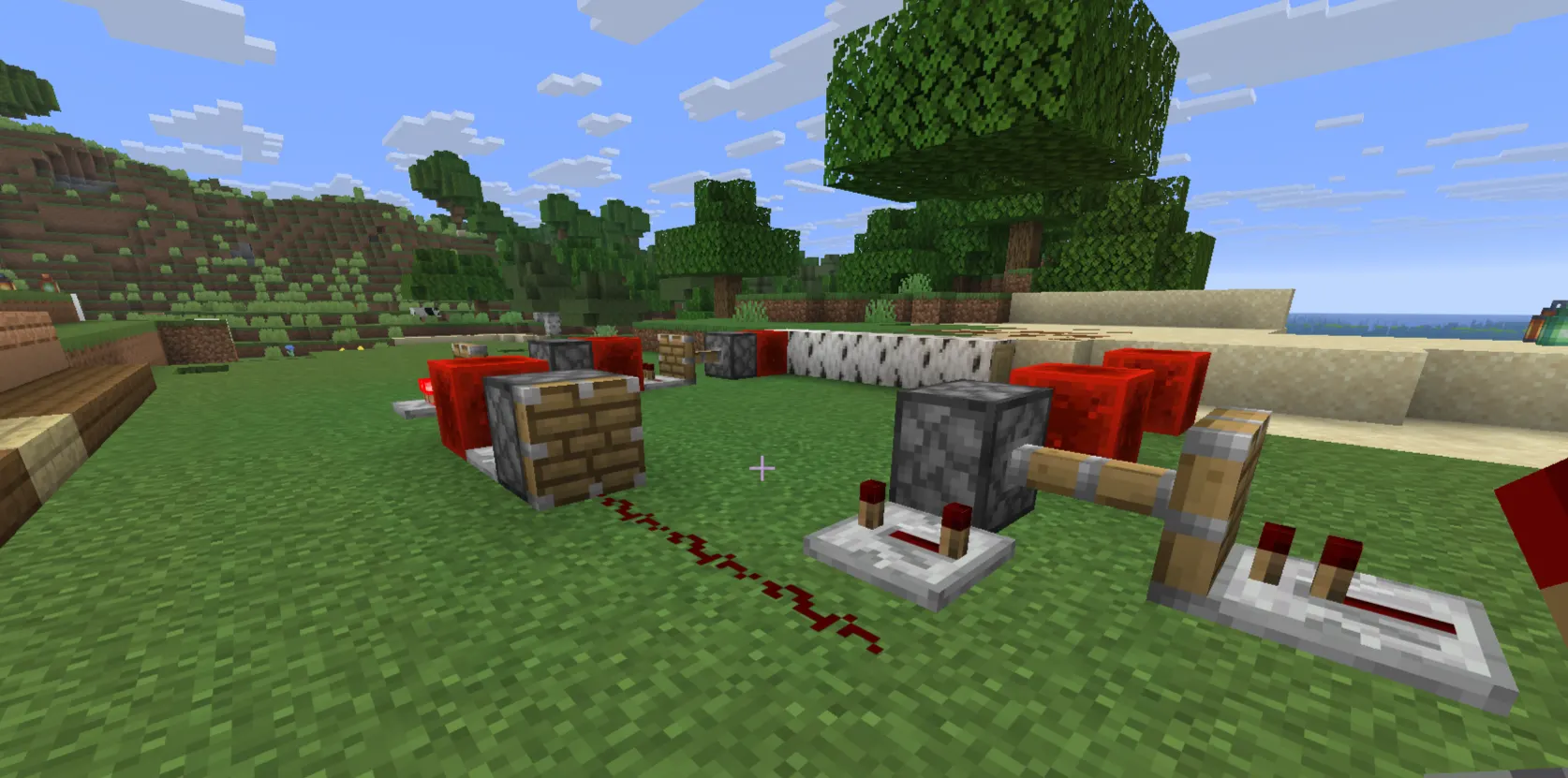
Redstone is Minecraft's version of electrical engineering, and it can be complicated. Creative Mode lets you prototype circuits, test logic gates, and fix mistakes without any cost. If something goes wrong, just redo it. No materials lost.
If you're new to redstone mechanics, building in Creative first is genuinely the smartest approach before bringing anything into a Survival world.
Practice Your Building Style
Want to try a new architectural style or get better at terraforming? Creative Mode is your practice ground. You can experiment without commitment. Try something, tear it down, and try again.
Explore the World Freely
Flying across Biomes, finding rare structures, or scouting locations for your next Survival world — Creative Mode makes exploration effortless. You can cover massive distances in seconds.
Design Maps and Mini-Games
Many multiplayer maps and mini-games are built entirely in Creative Mode. Players create adventure maps, parkour courses, and puzzle rooms that others can download and play.
Creative Mode vs Survival Mode
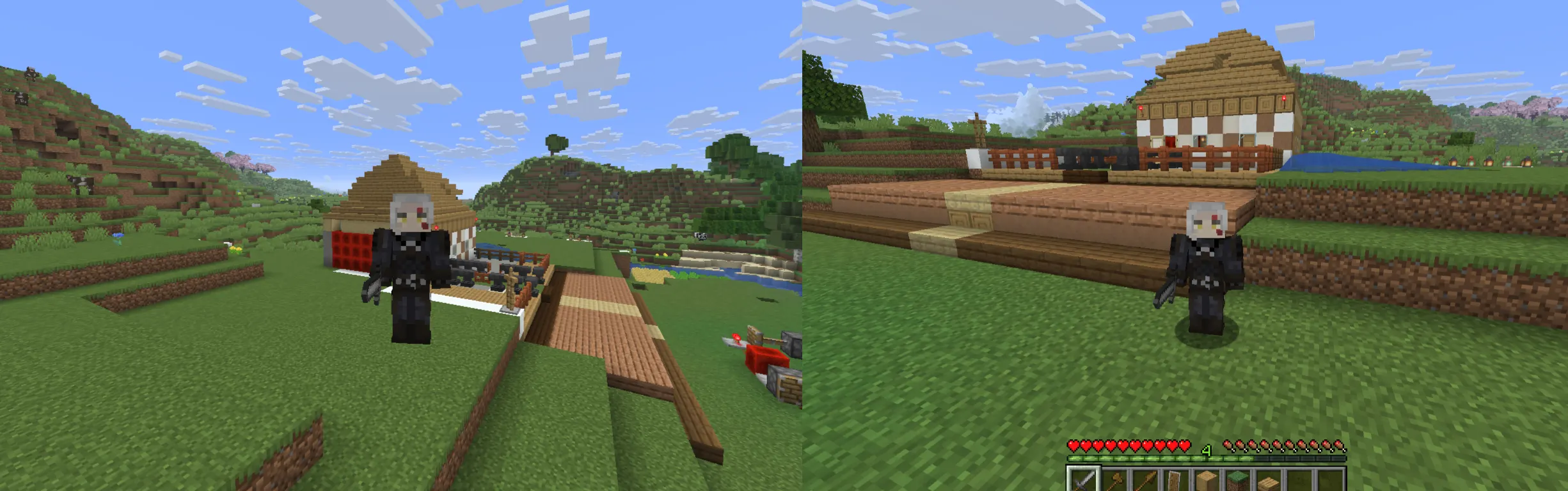
These two modes sit at opposite ends of the Minecraft experience.
|
Feature |
Creative Mode |
Survival Mode |
|
Resources |
Unlimited, free |
Must be gathered |
|
Health |
No damage |
Can die |
|
Hunger |
No hunger |
Must eat |
|
Flight |
Built-in |
Requires elytra |
|
Block Breaking |
Instant |
Depends on the tool |
|
Mob Danger |
Mostly harmless |
Can kill you |
|
Goal |
Build freely |
Survive and progress |
|
Item Drops |
Nothing drops |
Blocks drop when mined |
Survival Mode is about the journey. Creative Mode is about the destination — specifically, whatever amazing thing you're trying to build.
Neither mode is better. They're just different experiences. Many players use both depending on what they're in the mood for.
If you want to understand Survival basics before jumping in, check out our Minecraft Beginner Combat Tips guide — it'll help you get started on the right foot.
Tips to Use Creative Mode Effectively
Creative Mode gives you unlimited freedom, but that can actually make things overwhelming. These tips will help you use it smarter:
1. Use the Search Bar in Your Inventory. The Creative inventory has hundreds of items. Instead of scrolling through tabs, just hit E and type the name of what you need. It's way faster.
2. Plan Your Build First. Having unlimited blocks doesn't mean you should build randomly. Sketch your idea on paper or use a planning tool before you start. Builds with a vision always turn out better.
3. Use Commands to Speed Things Up. Commands like /fill, /clone, and /setblock work in Creative Mode and can save hours. For example, /fill lets you fill an entire area with a specific block in one command instead of placing blocks one by one.
4. Build in Flat Worlds When starting a new Creative world, choose the "Flat" world preset. It gives you a clean, level surface to work on — much easier than dealing with hills and terrain.
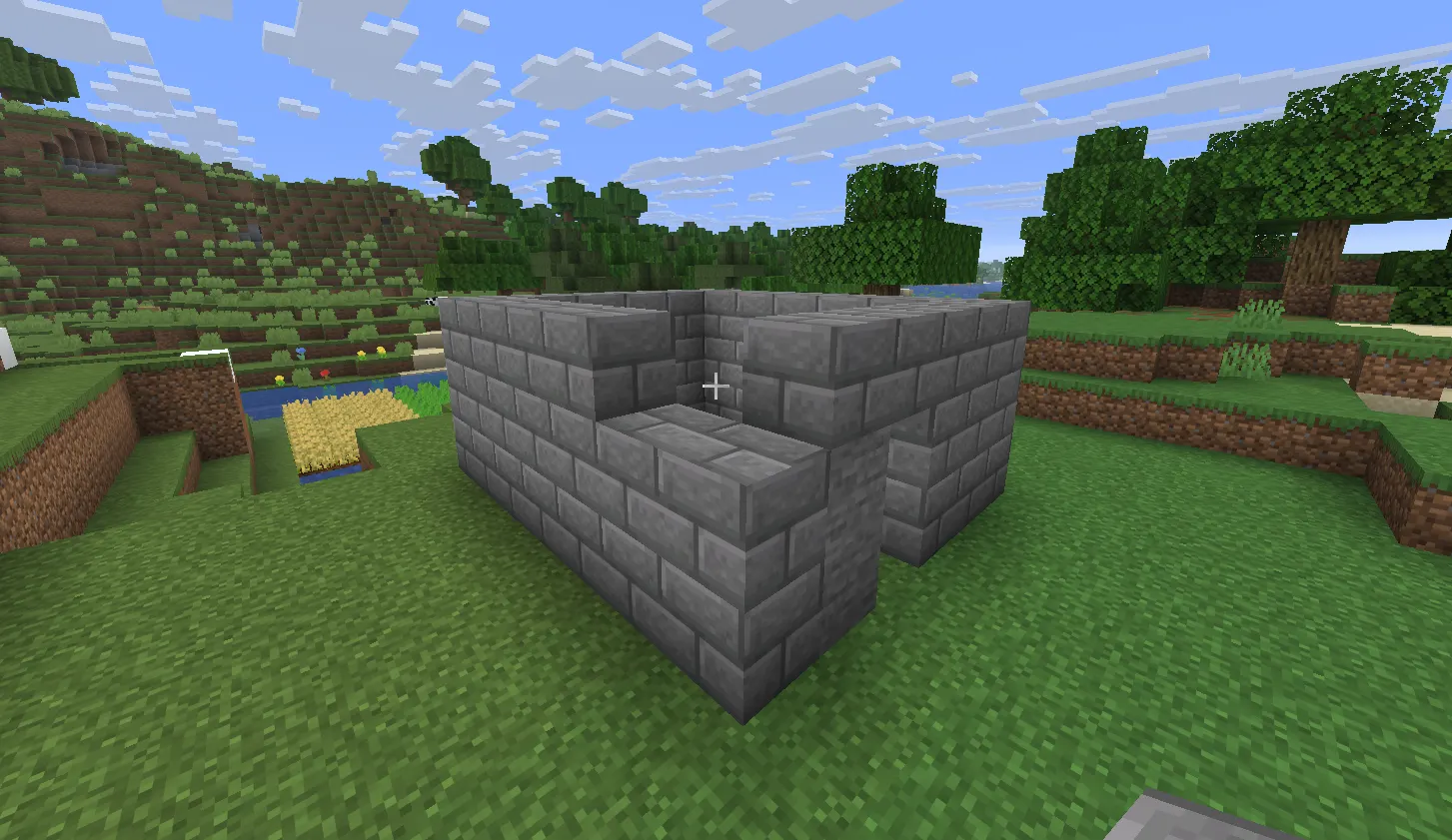
5. Save Multiple Copies. Before making major changes to a big build, back up your world. Accidental deletions with instant block breaking happen more than you'd think.
6. Use Structure Blocks to Save Builds. Structure blocks (available in Creative) let you save sections of your builds and paste them elsewhere. Great for repeated elements like towers or arches.
7. Test Before Building in Survival. If you're planning to recreate something in your Survival world, always build and test it in Creative first. It'll save you tons of resources and frustration.
Common Mistakes Beginners Make in Creative Mode
Even with unlimited resources, beginners still run into avoidable problems. Watch out for these:
Accidentally breaking blocks with one click. In Creative Mode, a single left-click destroys a block instantly. Be careful around builds you care about — it's easy to accidentally delete something.
Not using the search function. New players spend way too long scrolling through inventory tabs. Use the search bar from day one.
Building without a plan. Unlimited resources can lead to chaotic, unfocused builds. Even a rough idea of what you're making will produce much better results.
Forgetting that commands need cheats enabled. If commands aren't working, check your world settings. Cheats must be toggled on — especially on Java Edition.
Confusing Creative inventory with Survival inventory. Items you pick up in Creative don't carry over to Survival if you switch modes. Plan accordingly.
Conclusion
Creative Mode is one of the best things about Minecraft. It strips away every barrier and just lets you build, explore, and create without limits.
Whether you're designing a huge city, testing a redstone machine, or just flying around to see what your world looks like, Creative Mode has you covered.
If you've never tried it before, now's the time. Open a new flat world, hit E, and start building something you've always imagined.
And once you're ready to take your skills back into the challenge of Survival, check out our Minecraft Crafting Basics Guide to make sure you know everything you need to gather resources and craft your way to the top.
The only limit in Creative Mode is your imagination — and in Minecraft, that's saying something.