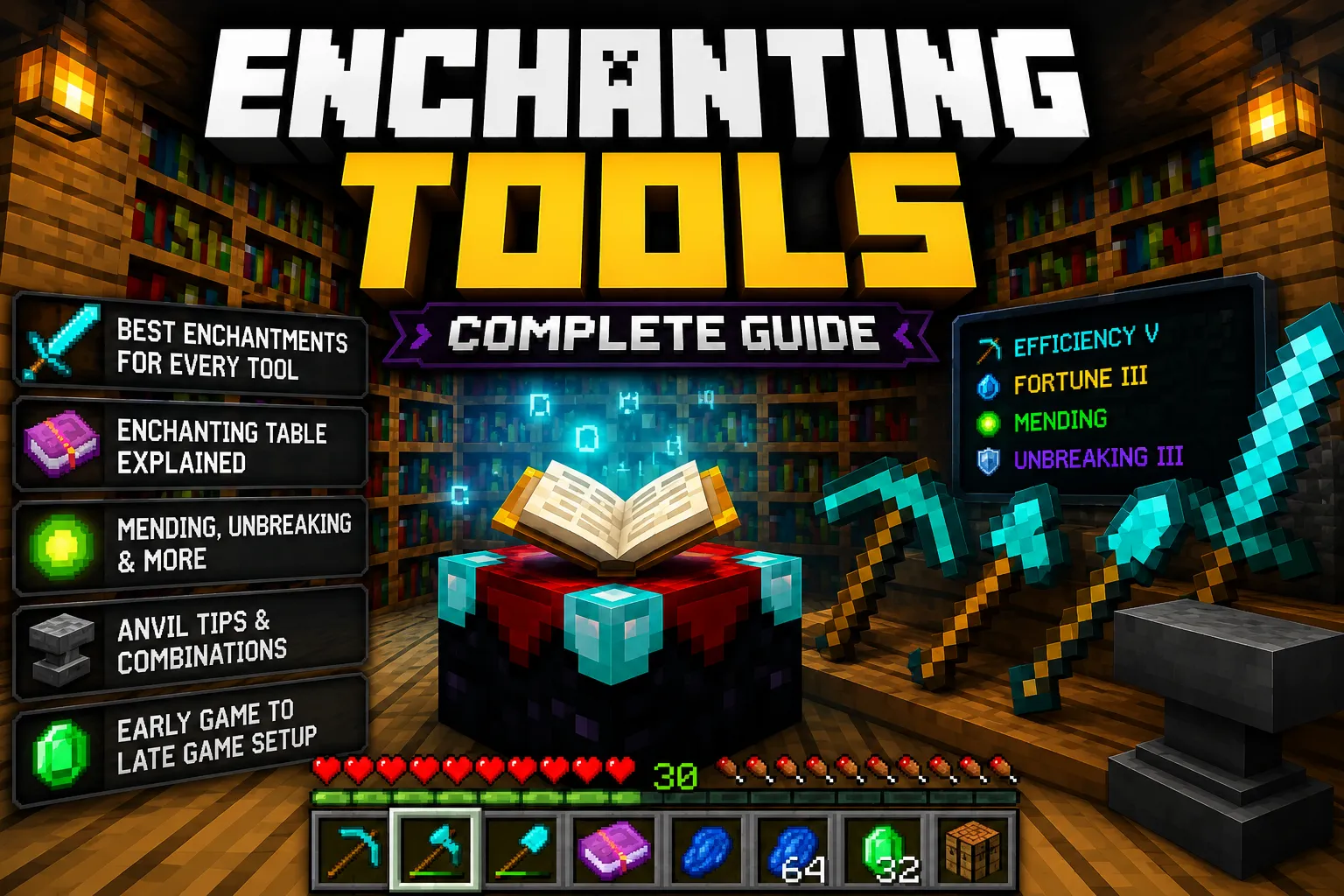
Dying to a Creeper and losing your diamond pickaxe is rough. Losing an enchanted diamond pickaxe is the kind of thing that ruins an evening. But once you understand how enchanting actually works, you stop dreading it and start using it to your advantage. Good enchantments are what separate a mid-game player from someone who's genuinely set for the rest of the world.
This guide covers everything from your first enchanting table to building a full Netherite toolkit. No fluff, no vague advice, just what actually works in survival.
Quick Answer: How Do You Enchant Tools in Minecraft?
Place an enchanting table surrounded by bookshelves (up to 15) to unlock level 30 enchantments. Open the table, put your tool and three lapis lazuli in the slots, and choose from one of three enchantment options. For specific enchantments, combine enchanted books with your tool at an anvil. Mending and Unbreaking are the two most important enchantments to prioritize on every tool.
What Is Tool Enchanting in Minecraft?
Enchanting adds magical effects to your tools, weapons, and armor. A plain iron pickaxe mines stone. An iron pickaxe with Efficiency IV mines it fast enough that you almost can't believe it's not diamond. That's the difference enchantments make.
Each tool has a pool of enchantments it can receive, and some are exclusive; you can't have Silk Touch and Fortune on the same pickaxe, for example. Knowing which enchantments are compatible, which are worth pursuing, and how to get them without burning through all your XP is what this guide is about.
How Enchanting Works
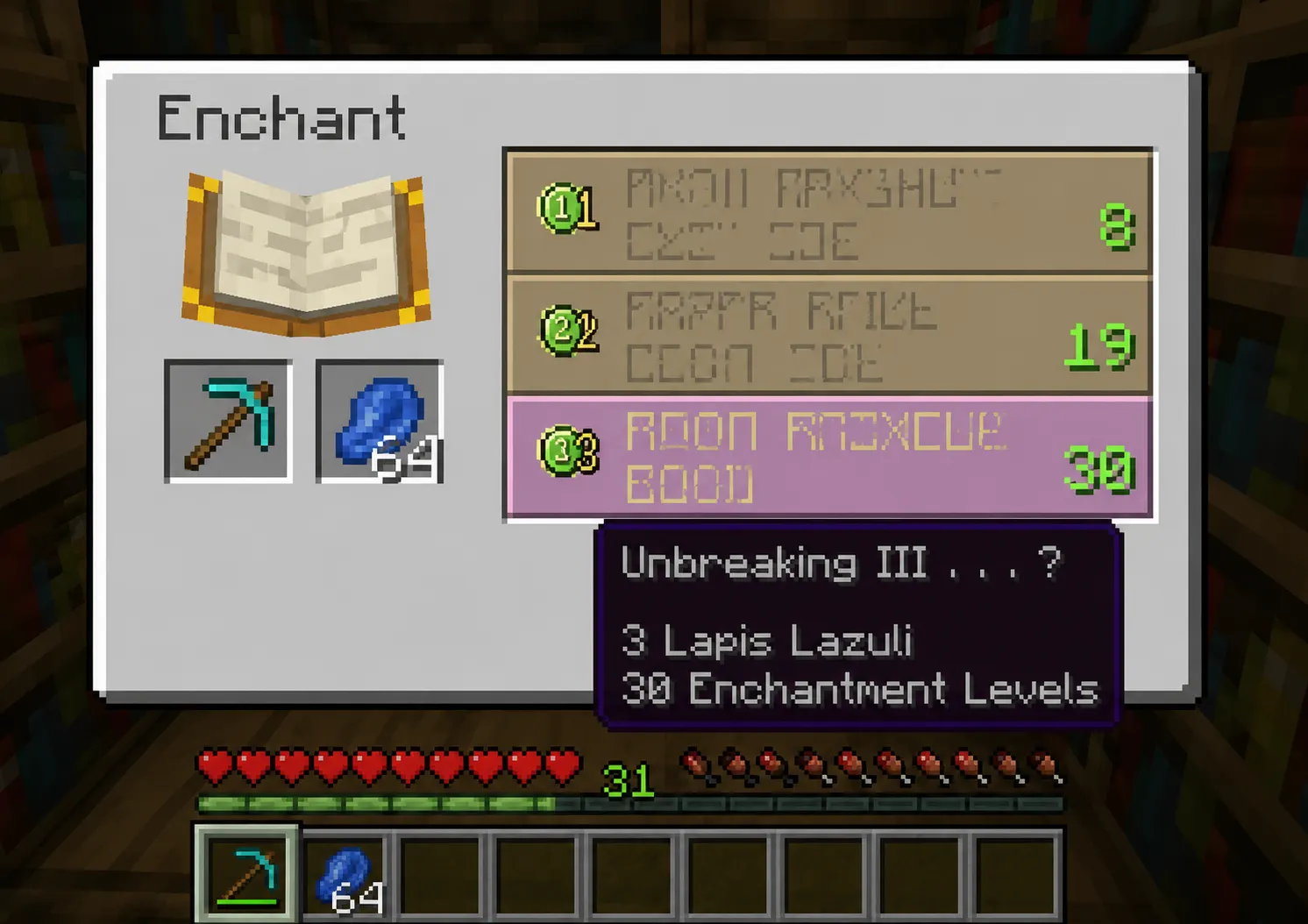
The enchanting system is built around experience levels. You spend XP to apply enchantments, and the quality of those enchantments depends on the "enchantment power" of your setup, which is determined by how many bookshelves are near your table.
A few things worth knowing upfront:
-
Enchantments are partially random. You don't always get exactly what you want.
-
The three options shown when you open the table are influenced by a hidden "enchantment seed." You can cycle through options by enchanting a cheap item (like a book or stone tool), which refreshes the seed.
-
The level shown on the right side of each option is the cost in levels, not the enchantment tier.
-
Some enchantments are rare. Mending, for instance, doesn't appear on an enchanting table at all. You get it through trades or loot.
How to Use an Enchanting Table
-
Craft the table. You need 4 obsidian, 2 diamonds, and 1 book. Place obsidian in the bottom row and corners, diamonds on the sides of the middle row, and the book on top.
-
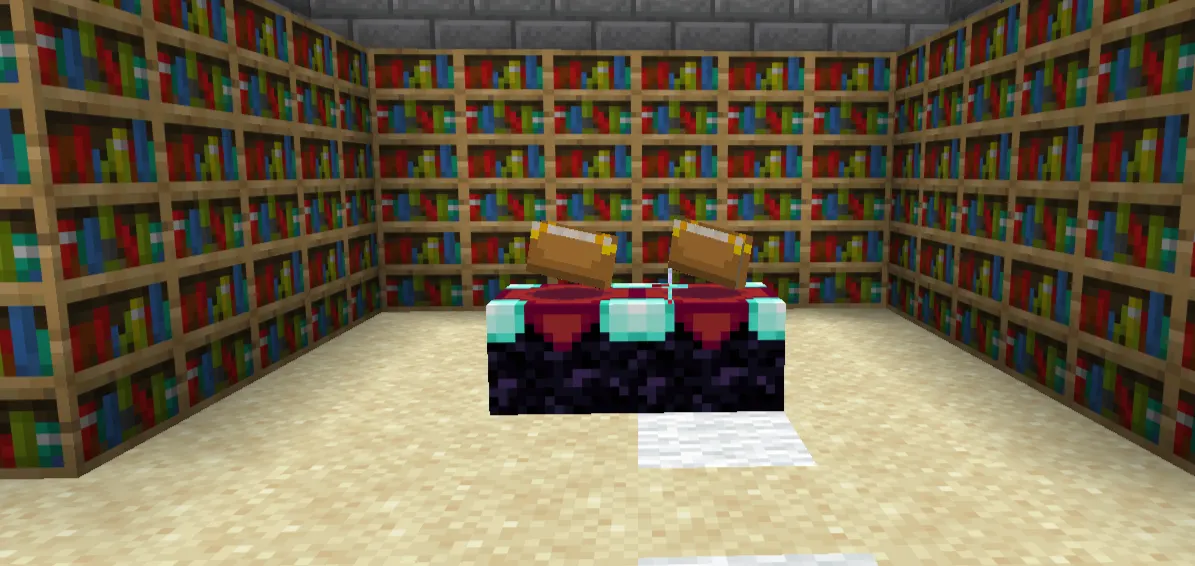
Surround it with bookshelves. Leave exactly one block of air between each bookshelf and the table (no blocks, Torches, or anything else in that gap).
-
Open the table. Put your tool in the left slot and 1–3 lapis lazuli in the right slot.
-
Pick an enchantment. You'll see three options with level costs. Hover over them to see what enchantment you'd get (though at lower power, only the first enchantment shows the others are hidden).
-
Apply it. The enchantment is applied, your lapis is consumed, and you lose the number of experience levels shown.
The item can also receive bonus enchantments beyond the one displayed. This is why enchanting a pickaxe at level 30 often gives it two or three enchantments at once.
How Many Bookshelves Do You Need
|
Bookshelves |
Max Enchantment Level Unlocked |
|
0 |
Level 1–8 only |
|
5 |
Up to around level 17 |
|
10 |
Up to around level 24 |
|
15 |
Level 30 (maximum) |
Fifteen bookshelves is the cap. Beyond that, extra bookshelves do nothing. Arrange them in a ring (or a U-shape) around the table at a distance of exactly one block, on any of the four sides or corners. You can stack them up to two high as well.
The fastest way to reach 15 bookshelves is to trade with villagers or farm sugar cane for paper and breed cows for leather, then craft books and the shelves yourself.
Best Enchantments for Tools
Before covering each tool individually, here's a reference table for the most important enchantments:
|
Enchantment |
Best Tool(s) |
Effect |
|
Mending |
All |
Repairs tool using XP orbs collected |
|
Unbreaking III |
All |
Triples tool durability (on average) |
|
Efficiency V |
Pickaxe, Axe, Shovel, Hoe |
Significantly faster mining/harvesting |
|
Fortune III |
Pickaxe, Shovel, Axe |
Multiplies drops from certain blocks |
|
Silk Touch |
Pickaxe, Shovel, Axe, Hoe |
Drops block itself instead of normal loot |
|
Sharpness V |
Axe |
Extra melee damage |
|
Smite V |
Axe |
Extra damage to undead mobs |
Best Pickaxe Enchantments
The pickaxe is almost certainly the tool you'll want to enchant first. You use it constantly, and the right enchantments make a dramatic difference in how fast you progress.
Core setup:
-
Efficiency V — Goes from nice-to-have to near-essential at higher tiers. With an Efficiency V Netherite pickaxe, you can mine through stone almost instantly.
-
Unbreaking III — Slows durability loss significantly. Without it, a diamond pickaxe still burns through fast in deep mining sessions.
-
Mending — The most important enchantment in the game, period. As long as you're collecting XP while mining, your pickaxe repairs itself automatically.
-
Fortune III — Use this for ore mining. It multiplies drops from diamonds, emeralds, coal, and many other blocks. With Fortune III on diamonds, you can get up to 4 diamonds per ore node instead of 1.
-
Silk Touch — An alternative to Fortune, not a companion. Silk Touch mines the block itself (grass blocks, ice, glass, ore blocks). You can't have both on the same pickaxe.
Incompatible pairs:
-
Fortune + Silk Touch (mutually exclusive)
If you can only get one pickaxe enchanted first, go for Fortune III. The resource gain over a full mining session is enormous.
Best Axe Enchantments
Axes work double duty, cutting wood and dealing melee damage. In combat, an axe actually does more damage per hit than a sword in Java Edition, though it attacks slower.
-
Efficiency V — Chops wood much faster. Useful if you're doing mass wood farming.
-
Unbreaking III — Needed since axes take durability hits from both chopping and combat.
-
Mending — Same reason as every other tool.
-
Sharpness V — Solid all-purpose damage boost.
-
Smite V — Better damage than Sharpness against undead, which covers Zombies, Skeletons, Drowned, phantoms, wither skeletons, and the Wither itself. Especially useful in combat-heavy playthroughs.
-
Silk Touch — Lets you harvest mushroom blocks, beehives (without angering bees), and bookshelves whole.
Note: Sharpness and Smite are mutually exclusive. Pick one based on what you fight most.
Best Shovel Enchantments
Shovels are the underdog. Players often ignore them, but a good shovel makes terraforming and gravel/sand clearing fast enough that you actually start enjoying it.
-
Efficiency V — The most impactful shovel enchantment. Breaking gravel, sand, and dirt at max speed is genuinely satisfying.
-
Unbreaking III — Shovels break fast when you're moving a lot of material.
-
Mending — Standard pick for all tools.
-
Silk Touch — Mines grass blocks, snow layers, and mycelium without converting them.
-
Fortune III — Useful for gravel (doubles flint drop chance), and sand/soul sand in specific farm setups.
Best Hoe Enchantments
Hoes got a serious buff a few versions back. They're now the fastest way to break leaves, hay bales, sponges, and certain other blocks. Fortune and Silk Touch both have real uses here.
-
Efficiency V — Now meaningful thanks to the leaf-breaking buff.
-
Mending + Unbreaking III — If you're building tree farms, your hoe takes serious wear.
-
Fortune III — Increases seed drops from grass and certain crops.
-
Silk Touch — Lets you harvest mushroom blocks and nether wart blocks intact.
For most survival players, the hoe is a low priority for enchanting. Get your pickaxe, axe, and shovel sorted first.
Efficiency vs Silk Touch vs Fortune
These three come up constantly, and the choice matters:
Efficiency speeds up how fast you mine. It stacks with a Beacon's Haste effect too, so an Efficiency V pickaxe under a Haste II beacon mines stone almost instantly. Always worth having.
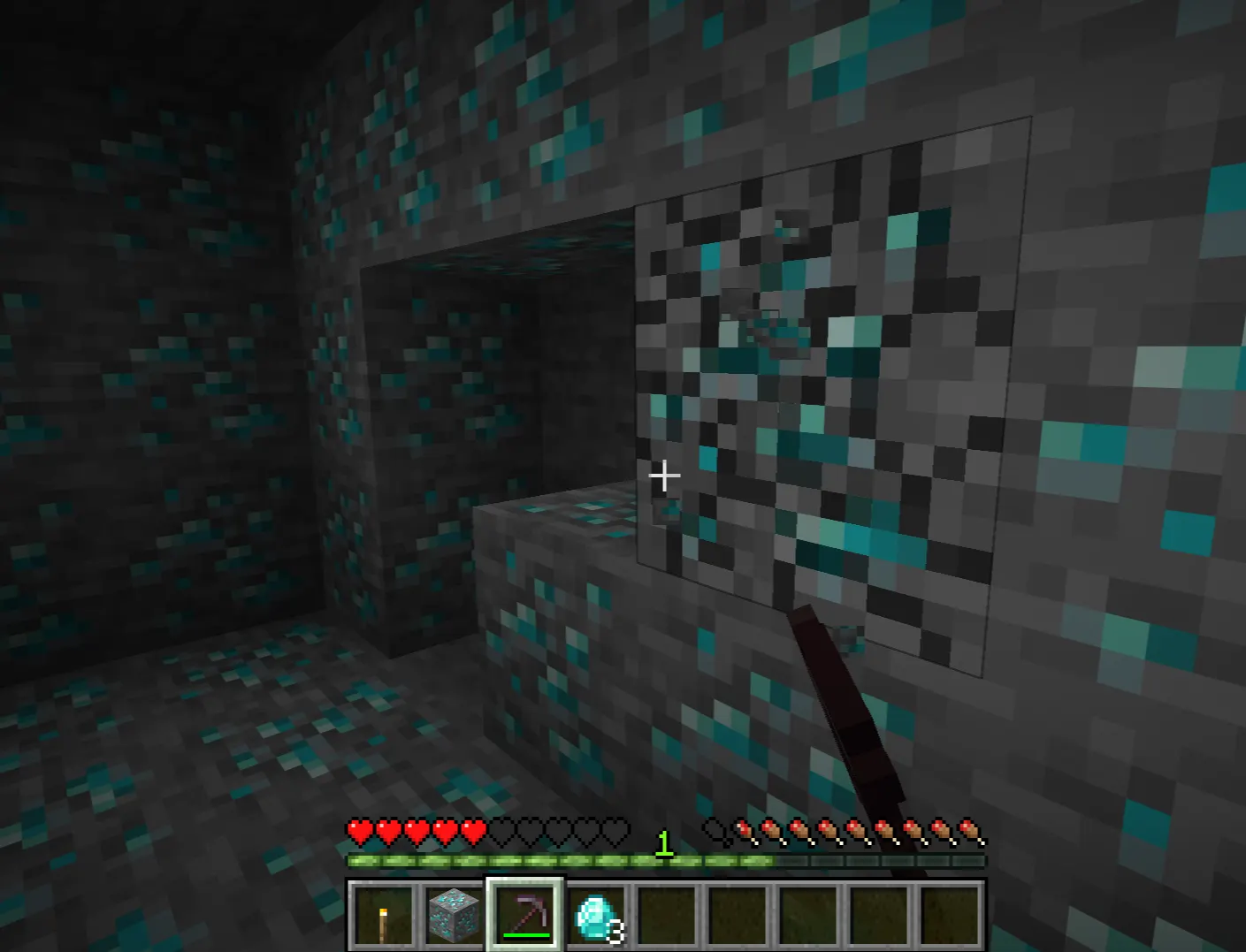
Fortune multiplies block drops. For ore farming, this is the one you want. At Fortune III:
-
Diamonds: up to 4 per ore (average ~2.2)
-
Coal: up to 8 per ore
-
Lapis: up to 9 per block
-
Gravel: double flint rate
Silk Touch drops the block itself. It's situationally critical that you need it to pick up spawners (in Bedrock), collect grass blocks, harvest bookshelves, get ice without it melting, and move beehives safely. But it doesn't help with ore yield.
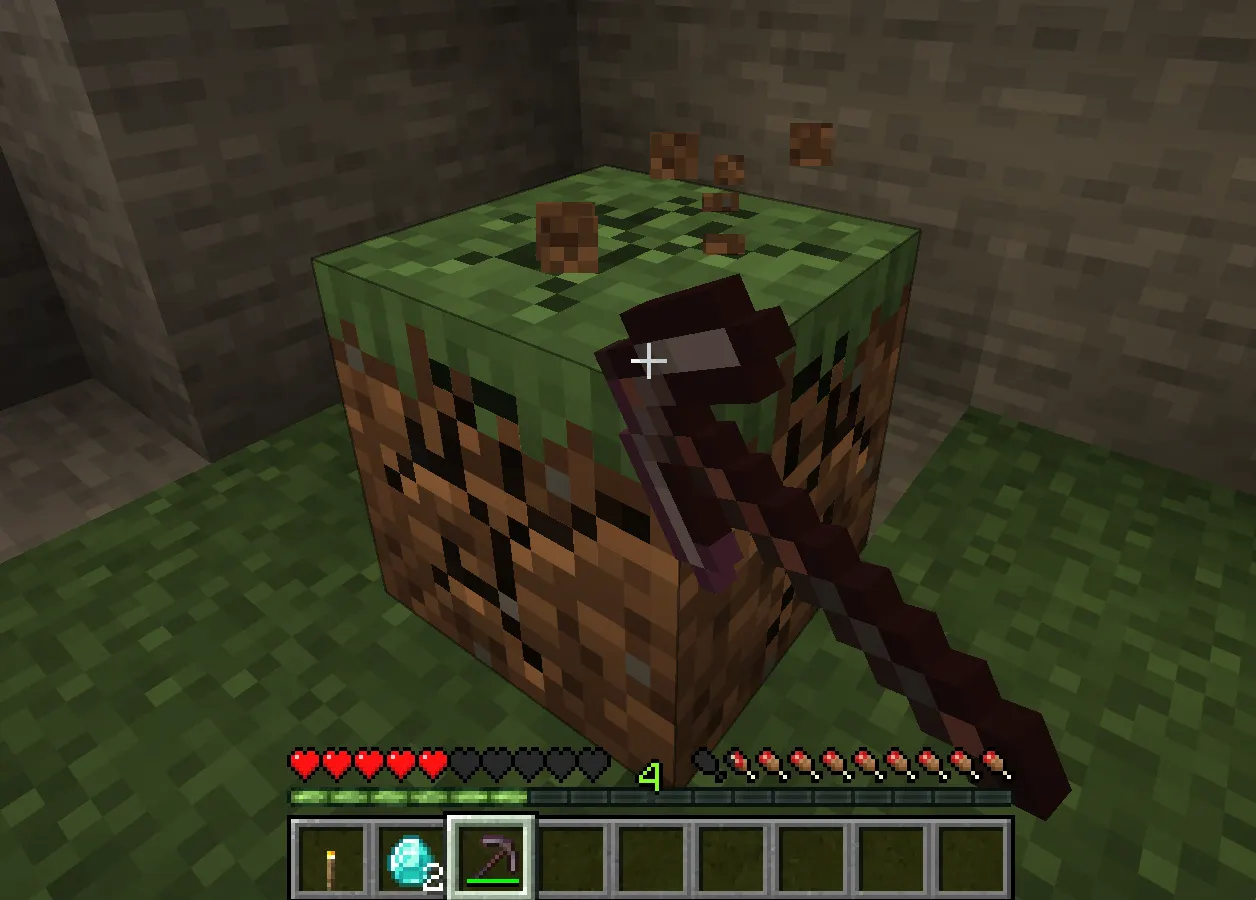
The key rule: Fortune and Silk Touch cannot go on the same tool. If you want both effects, you need two pickaxes.
What Mending Does
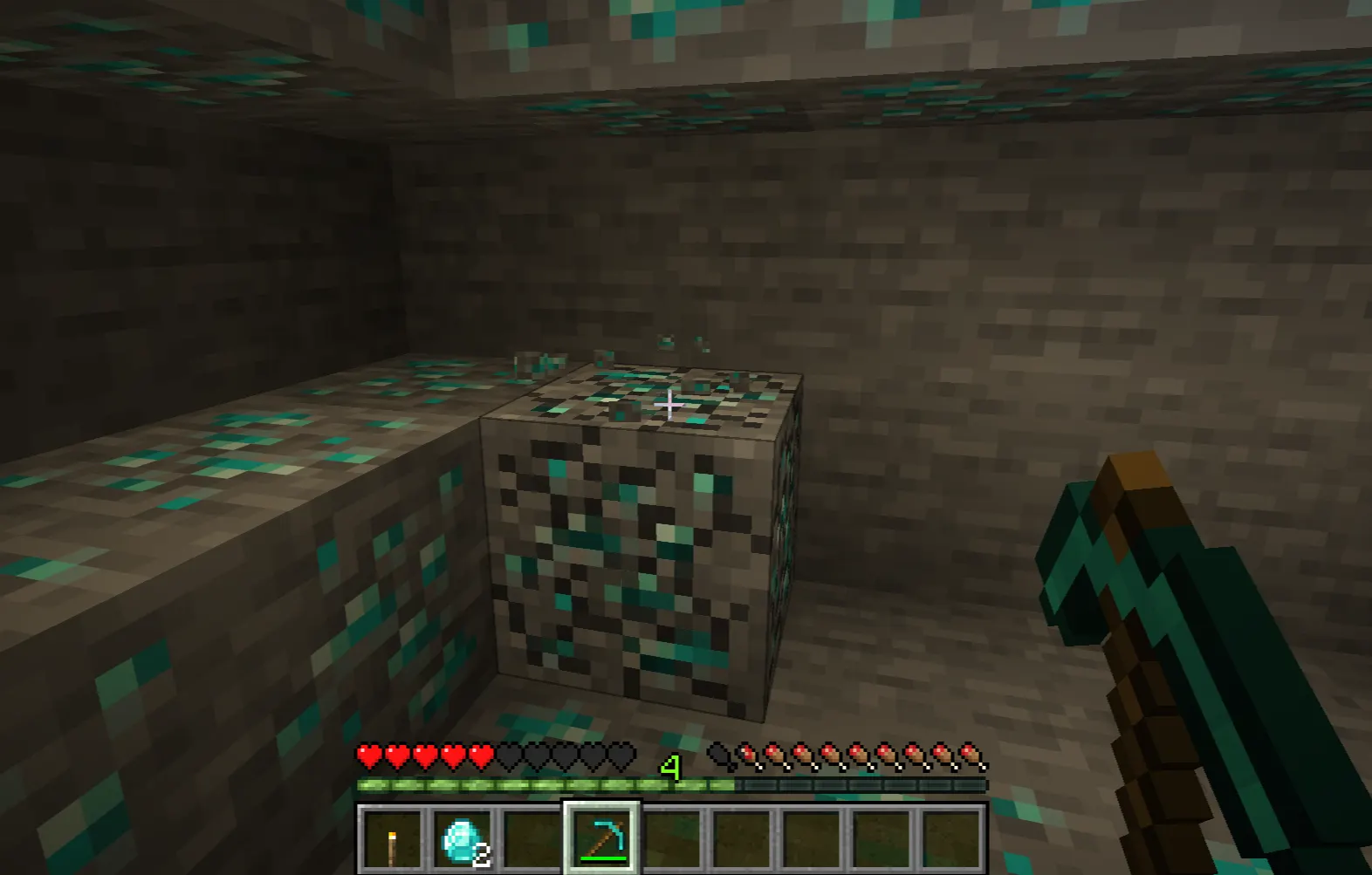
Mending is the enchantment that changes how you think about durability. When you collect experience orbs while holding or wearing a Mending-enchanted item, some of that XP goes toward repairing the item instead of adding to your level bar. It repairs at a rate of 2 durability per 1 XP point.
This means a Mending pickaxe you use for mining essentially repairs itself using the XP the ores drop. You rarely need to repair it manually. On weapons, you repair them by killing mobs. It creates a self-sustaining loop.
How to get Mending: It doesn't appear on the enchanting table. You get it from:
-
Librarian villagers (trade for emeralds, the cheapest and most reliable method)
-
Fishing (rare drop from the Treasure category)
-
Dungeon, temple, and raid loot chests
-
Looting ancient cities in the Deep Dark
The librarian method is by far the most accessible. Lock in a Mending trade early by trading with a librarian until their trades are set, then build more librarians with new lecterns if needed.
What Unbreaking Does
Unbreaking doesn't make a tool invincible; it makes each durability point less likely to be consumed when the tool is used. At Unbreaking III, there's roughly a 25% chance of durability being consumed per use (for most tools), meaning it lasts about four times as long on average.
Combined with Mending, you barely ever need to worry about a tool breaking. Unbreaking III buys you enough time between repairs that Mending can keep up even on a busy mining session.
|
Unbreaking Level |
Average Durability Multiplier |
|
None |
1x (base) |
|
Unbreaking I |
~2x |
|
Unbreaking II |
~3x |
|
Unbreaking III |
~4x |
How Enchanted Books Work
Enchanted books let you apply any enchantment to any compatible tool, including Mending, which can't be obtained from the enchanting table. They're one of the best ways to get exactly what you want.
Sources of enchanted books:
-
Fishing (with Luck of the Sea III, this becomes highly productive)
-
Librarian villager trades
-
Loot chests in structures (dungeons, bastions, ancient cities, etc.)
-
Pillager raid drops
Once you have an enchanted book, you combine it with your tool at an anvil. The tool goes in the left slot, the book in the right. You pay XP, and the enchantment transfers to the tool.
You can also combine two enchanted books in an anvil to create a higher-level book (two Efficiency III books → one Efficiency IV book, for instance). This lets you build up powerful enchantments from weaker ones.
How to Combine Enchantments Using an Anvil
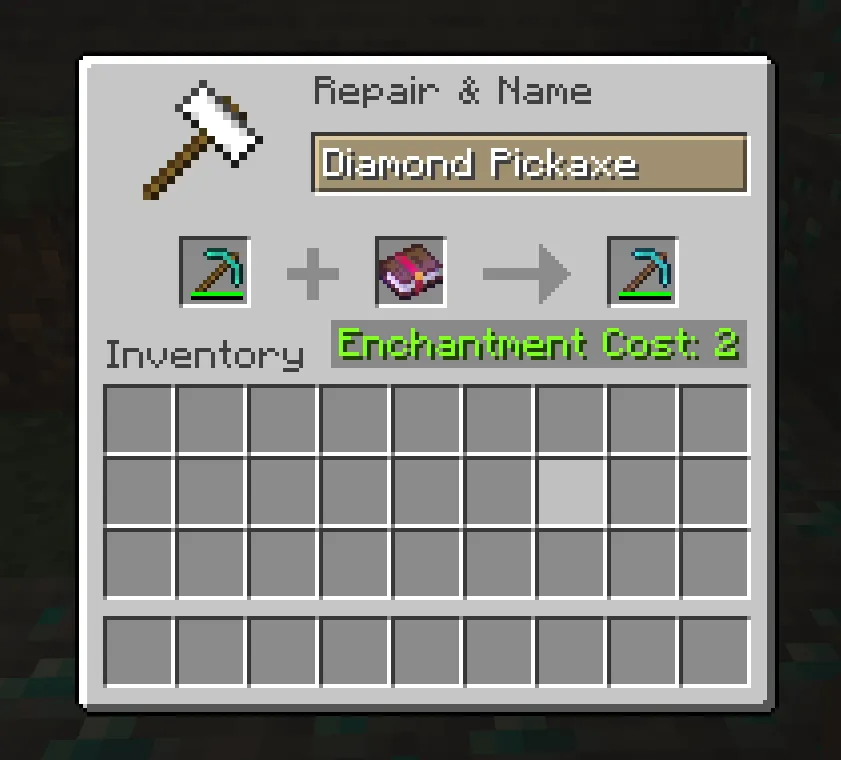
The anvil costs XP per enchantment applied, and that cost goes up every time you modify the same item. This is called the "prior work penalty. Each time you use an anvil on an item, it gets a counter added to it that increases future repair costs. Eventually, the item becomes "Too Expensive," and the anvil refuses to work on it.
Tips to avoid wasting XP at the anvil:
-
Order matters. Combine the cheapest enchantments first. Apply higher-level books toward the end.
-
Combine books before applying to a tool. Two books with two enchantments each cost less to merge than applying four individual books to a tool one at a time.
-
Don't Repair tools at the anvil unless needed. Every anvil use adds to the prior work penalty. Mending is a better long-term solution.
-
One-time enchantments (like curses) add to the cost without benefit. Avoid items with Curse of Binding or Curse of Vanishing.
|
Item Combination |
XP Cost Factors |
|
Book + Book (same enchant) |
Low cost, builds level |
|
Tool + Enchanted Book |
Medium cost, depends on enchant |
|
Tool + Tool (to merge) |
Often high, risky for prior work |
|
Repairing tool with material |
Adds prior work penalty |
How XP Affects Enchanting
Experience levels are the currency of enchanting. At the enchanting table, the best options require level 30, but they only deduct a maximum of three levels. You keep the rest. This is a common misconception: you don't lose 30 levels to use the level 30 slot. You spend three levels and need 30 available.
At the anvil, costs can be much higher. A heavy enchantment combination might cost 20+ levels. This is why XP farming becomes worthwhile once you're building out a full tool set.
Easy XP sources in survival:
-
Mining ancient debris and nether quartz (high XP per block)
-
Killing mobs at a mob farm
-
Smelting items in a Furnace (collect XP when taking items out)
-
Breeding animals
-
Fishing
For mid-to-late game, a simple Mob spawner farm or a cactus/bamboo smelter can keep your levels topped up with minimal effort.
Best Early Game Enchantments
When you're still working with iron tools and your first diamond gear, you don't have the resources to be picky. Here's how to play it smart early:
-
Get to 15 bookshelves as soon as possible. The enchantments at low bookshelf counts are weak. Iron tools with garbage enchantments are a waste of lapis.
-
Enchant cheap throwaway items (stone tools, books) to cycle through enchantment options without wasting good materials.
-
Priority: Fortune III on your pickaxe. Even on an iron pickaxe, Fortune III multiplies your first diamond find from 1 to potentially 4. That alone can accelerate your entire playthrough.
-
Unbreaking on any tool you're using heavily. Iron tools with Unbreaking III last much longer, which matters when you can't repair easily.
-
Start hunting for a librarian with Mending trades early. Set up a village, lock in a Mending librarian, and prioritize getting that book before anything else.
Best Late Game Tool Setup
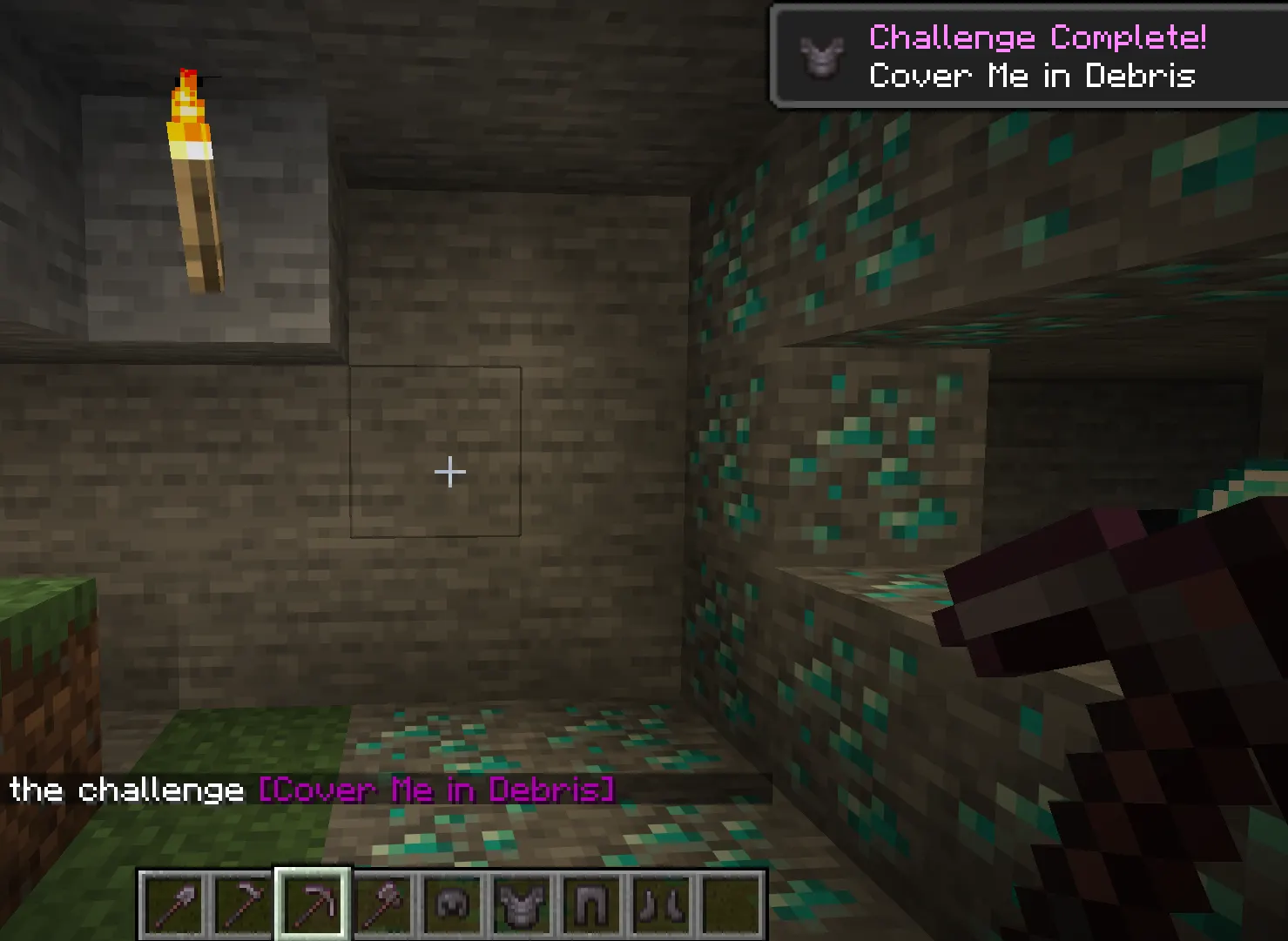
Once you're on Netherite tools and have a reliable XP source, here's the target setup for each tool:
Netherite Pickaxe: Efficiency V, Fortune III, Mending, Unbreaking III Netherite Axe (combat/utility): Efficiency V, Sharpness V (or Smite V), Mending, Unbreaking III Netherite Shovel: Efficiency V, Unbreaking III, Mending, Silk Touch (or Fortune III) Netherite Hoe: Efficiency V, Unbreaking III, Mending
Keep a separate Silk Touch pickaxe for whenever you need to collect blocks whole. Store it in an Ender Chest so you always have it available.
Common Enchanting Mistakes
1. Enchanting immediately without bookshelves. The level 1–8 tier gives you things like Unbreaking I on a stone axe. It's barely worth the lapis.
2. Using the anvil too many times on the same item. Every repair and enchantment application raises the prior work counter. After a few uses, the cost can hit 40+ levels and then become "Too Expensive."
3. Skipping Mending. Players who don't get Mending spend way more time repairing tools manually. It's the single biggest quality-of-life enchantment in the game.
4. Applying enchantments in the wrong order. Adding cheaper books first keeps the overall costs lower. Applying all enchantments individually, one at a time, runs up costs fast.
5. Assuming the first option is always best. Sometimes the level 3 slot (the most expensive one) gives a worse enchantment than the middle option. Always hover over all three before choosing.
6. Using Fortune on a Silk Touch pickaxe. They can't coexist. If you're confused why a Fortune book won't apply to your pickaxe, check if it already has Silk Touch.
Java vs Bedrock Differences
Most enchanting mechanics are identical between Java and Bedrock, but a few differences matter:
|
Mechanic |
Java Edition |
Bedrock Edition |
|
Enchanting table randomization |
Seeded, can be manipulated by enchanting junk items |
Slightly different seed system, same general behavior |
|
Anvil "Too Expensive" cap |
39 levels is the hard cap |
Same 39-level cap |
|
Mending priority |
Repairs held the item first |
Same behavior |
|
Silk Touch on spawners |
Does NOT pick up spawners |
Does NOT pick up spawners (both editions) |
|
Treasure enchantments |
Mending, Frost Walker, Curse enchants |
Same list |
One practical Bedrock note: the enchanting table interface looks slightly different, but the mechanics of bookshelves, lapis cost, and enchantment pool work the same way.
Advanced Enchanting Tips
Cycle enchantments by spending one level. Enchanting a single book for one level resets the enchantment options on the table. If you don't like any of the three options showing, do this and check again. It costs nearly nothing.
Trade with multiple librarians. Each librarian has a randomly assigned Mending trade (or doesn't have one at all). Build several lecterns, place and remove them in front of an unemployed villager until it becomes a librarian, then check if it has Mending. If not, break the lectern and try again. Takes time but costs nothing.
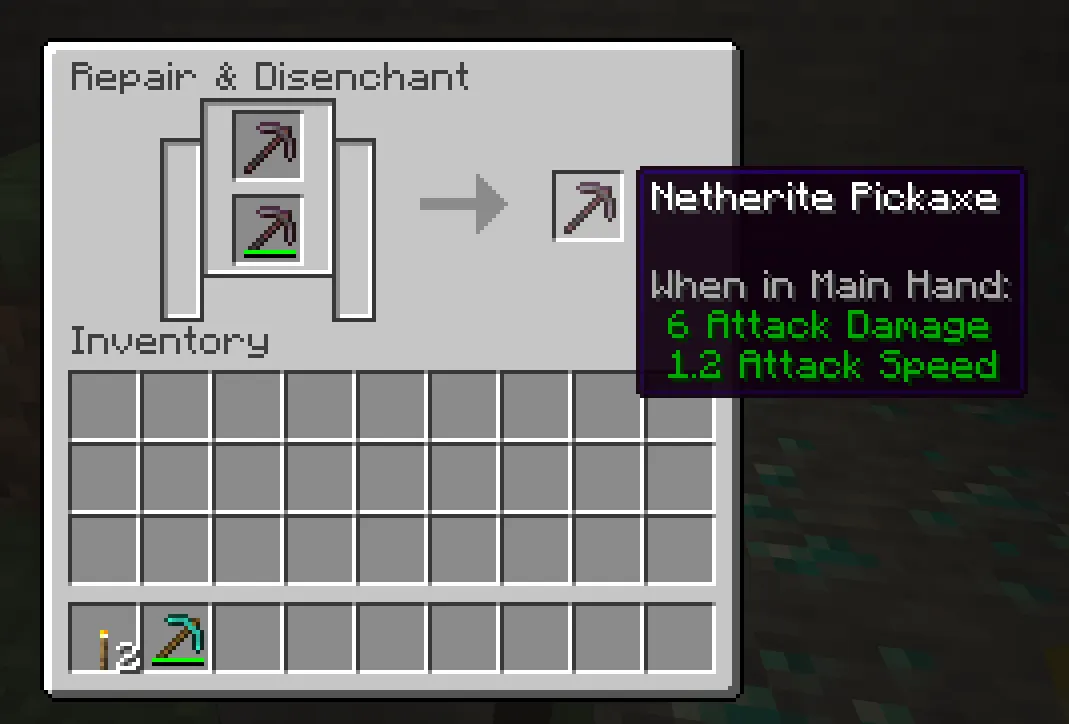
Use a grindstone to recycle bad enchants. If you enchant something and get a combination you don't want, put it in the grindstone to strip the enchantments. You recover some XP and get a clean item back. You can't recover the lapis, but you can try again with fresh enchantments.
Two-pickaxe strategy. Keep a Fortune III pickaxe for ore mining and a Silk Touch pickaxe for everything else. Label them with an anvil rename so you don't mix them up. The Fortune pickaxe handles diamonds, coal, and lapis; the Silk Touch one handles grass, ice, and spawners (Bedrock) or anything else you need intact.
Don't upgrade to Netherite without transferring enchantments first. A smithing table upgrades diamond tools to Netherite and preserves all existing enchantments. Enchant your diamond tool first, then upgrade. Much cheaper than trying to get all your enchantments onto a fresh Netherite tool.
Enchantment Compatibility Chart
|
Enchantment |
Incompatible With |
|
Fortune |
Silk Touch |
|
Silk Touch |
Fortune |
|
Sharpness |
Smite, Bane of Arthropods |
|
Smite |
Sharpness, Bane of Arthropods |
|
Mending |
Infinity (bows only) |
|
Unbreaking |
None (compatible with everything) |
|
Efficiency |
None (compatible with all mining tools) |
Conlusion
Getting your tools properly enchanted is honestly one of the best feelings in survival Minecraft. You go from spending ten minutes mining a branch to carving out entire cave systems in the same time. Start with your pickaxe, prioritize Fortune and Mending, set up a librarian trade early, and the rest falls into place naturally.